
Before you toss that aging Android, see how it can become a surprisingly handy tool in your daily routine with a few creative repurposing ideas. An old Android phone doesn't have to become junk just because it's not fast enough, supported enough or convenient enough to be your everyday phone anymore. Even an older device can still have a perfectly good camera, GPS receiver, display, speakers, sensors and Wi-Fi connection. One way to repurpose your old phone is to give it a single specific job. It could become a kitchen display, hiking GPS, retro gaming handheld or one of several other useful devices around the house. A factory reset is the way to go if you want it to be a true dedicated gadget. Back up your photos and other important data beforehand since a reset erases all data on the phone. Once that's done, your device is one step closer to its second life.
Kitchen display: If your old Android phone still has a decent screen, turn it into a dedicated kitchen display. Mount it on a stand or wall and use it for recipes, cooking videos, grocery lists, unit conversions and timers, keeping your everyday phone away from flour, splashes and greasy fingers. Put apps like Paprika, Google Keep and Google Home front and center, or use whichever apps you already rely on for recipes, shopping lists or music. For a more dedicated cooking setup, Paprika Recipe Manager can store recipes, create grocery lists, plan meals, scale ingredients and convert measurements. It also includes timers and an option to keep the screen on while you're viewing, making it an essential kitchen gadget that's worth your money. You can also use the phone for music, podcasts or video while you cook. While internet access isn't required for everyday use, you'll still want to connect it occasionally for app and content updates.
Smart-home control panel: If you've accumulated enough smart-home devices to make controlling them from your phone feel like too much, an old Android can become a permanent control panel. Mount it somewhere convenient to control compatible lights, thermostats, cameras, plugs, TVs and other smart devices without reaching for your primary phone. This works particularly well with a smart-home platform like Home Assistant, which can turn an Android phone into a dashboard for devices throughout your home. A wall-mounted phone running an app like Fully Kiosk Browser can show temperature, lights, cameras and other controls at a glance, while Google's redesigned smart home controls offer another way to organize the devices you use most. You're also able to keep some smart-home apps off your primary phone, reducing the number of apps competing for space and attention.
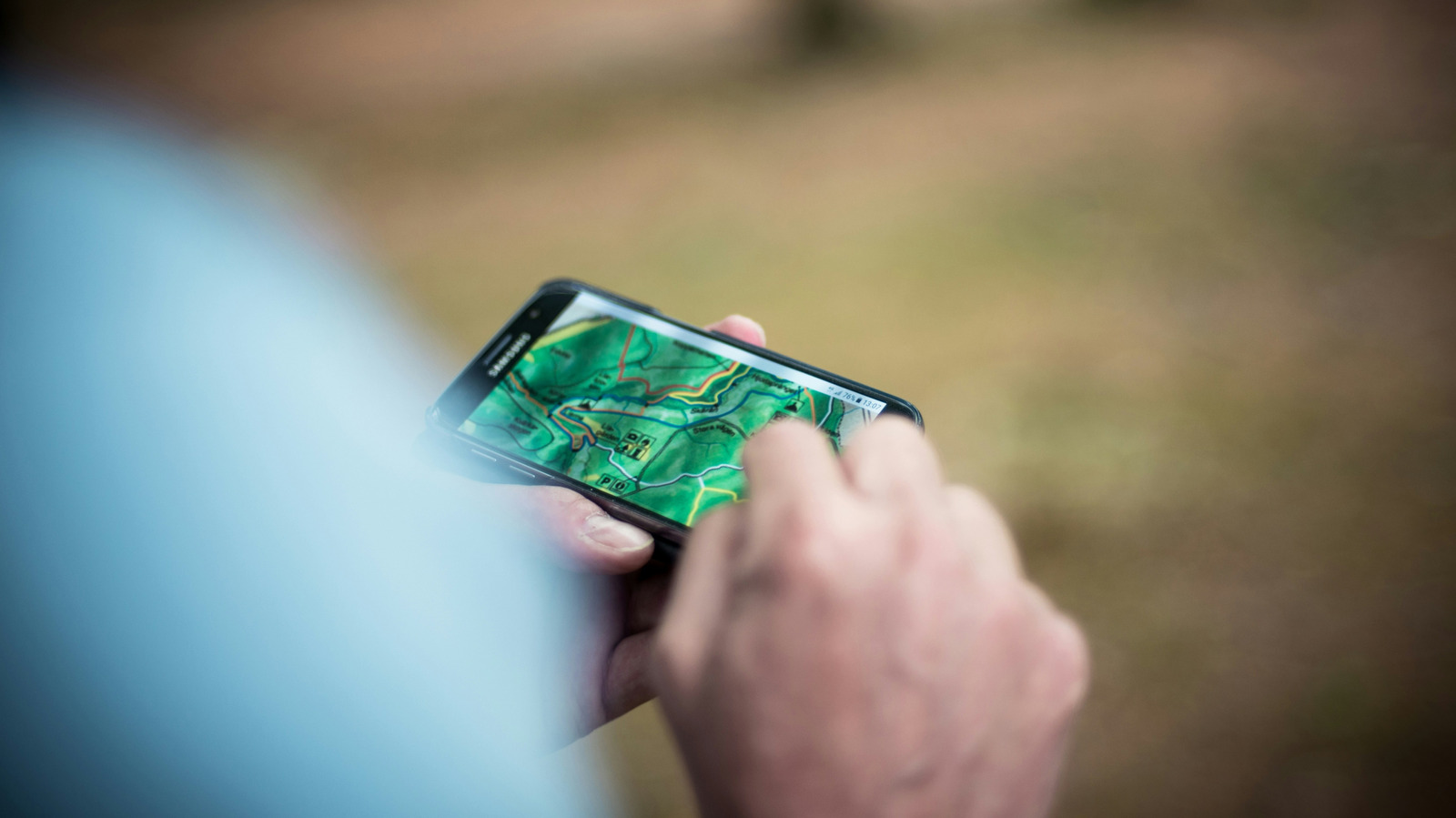
Offline GPS for hiking and the outdoors: An old Android phone can become a capable hiking, camping, hunting or off-roading GPS. Download maps before heading somewhere without cell service, then use the phone's GPS receiver to track your location without a data connection. Apps like All Trails and Gaia GPS support offline maps, so you can download the area you'll be exploring before you leave home. Both require a paid plan for offline map downloads, though All Trails says downloaded maps can use your phone's built-in GPS even without a data signal. Google Maps also supports offline maps for national parks, which can be useful for exploring areas without reliable internet access. Download the maps for the entire area you'll need while you're connected to Wi-Fi, then test them before heading somewhere remote. Using an old phone also lets you keep your primary device tucked safely away while conserving its battery. Consider bringing a power bank for longer outings.
Webcam, security or baby monitor: Your old Android's camera can still be useful even if the phone itself has become too slow for everyday use. With the right app, you can turn it into a webcam, security camera or baby monitor. One option is Alfred Camera, w...
Source: Engadget · Summarized by HeadlinesBriefing