
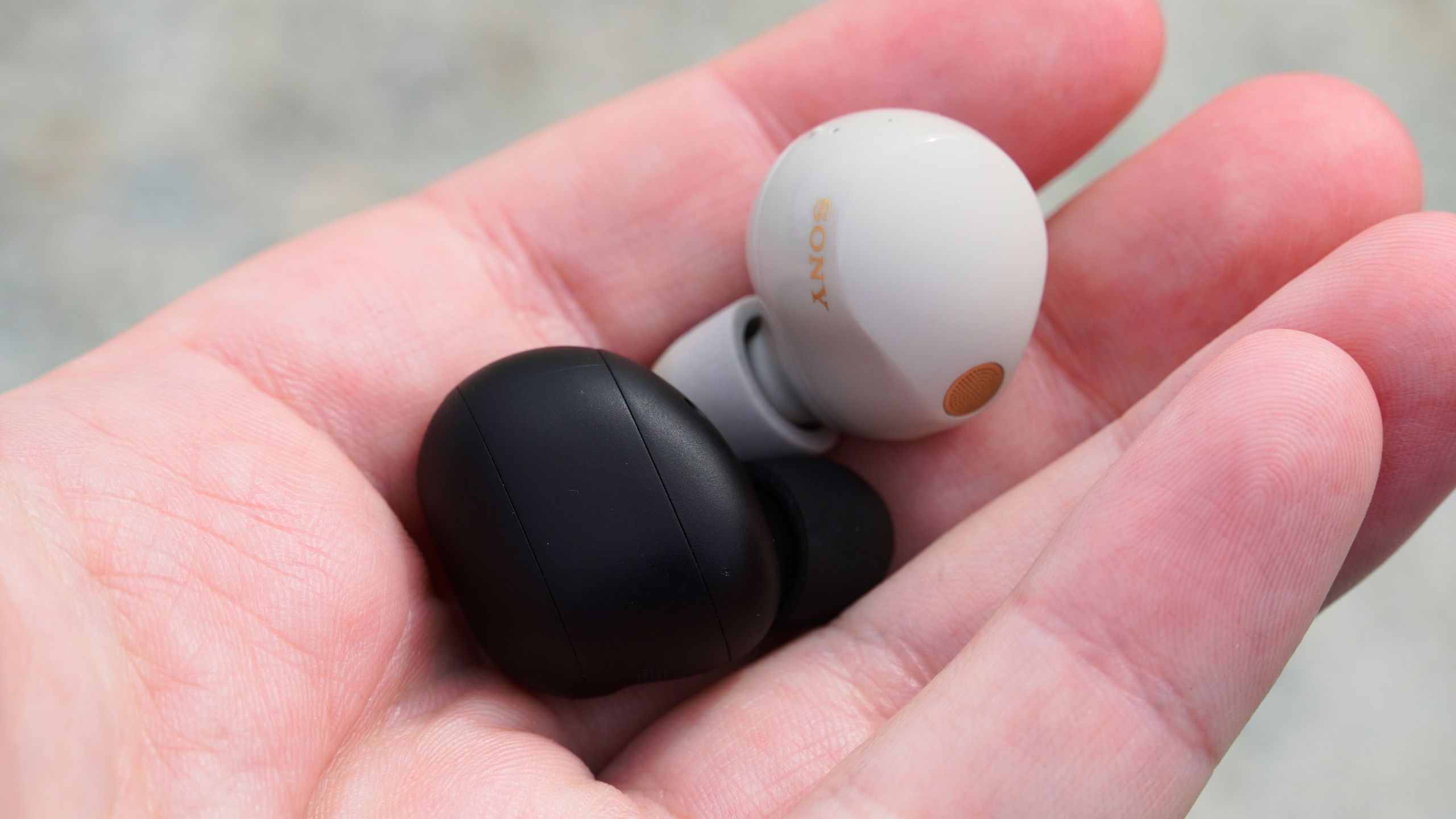
Sony users can unlock premium audio performance by enabling the LDAC Bluetooth codec on compatible headphones like the WF-1000XM6 or WH-1000XM6. This high-quality codec supports 32-bit/96kHz audio at up to 990 kbps, but it’s disabled by default. To activate it, open the Sony Sound Connect app, navigate to Device settings > Connection > Bluetooth Connection Quality, and select Prioritize Sound Quality. This adjustment allows LDAC to transmit three times more data than standard codecs, delivering richer, less compressed audio.
LDAC isn’t lossless but outperforms alternatives like AAC when streaming high-resolution files. While Qualcomm’s AptX Lossless exists, it’s rare. Sony’s codec shines with variable bitrates (330/660/990 kbps), prioritizing quality over stability. For best results, pair LDAC with lossless streaming services. Note that DSEE Extreme, Sony’s AI-powered upscaling tool, should be disabled during LDAC use, as it’s designed for compressed files, not native high-res audio.
The Prioritize Sound Quality setting may trade connection reliability for fidelity. Users experiencing dropouts should switch to Prioritize Stable Connection, which defaults to AAC. Bluetooth Low Energy Audio (for ultra-low latency) remains experimental. Sony’s guide emphasizes matching codec choices to listening conditions—LDAC for quality, AAC for stability.
This tweak matters for audiophiles seeking maximum fidelity from wireless gear. By optimizing Bluetooth settings, Sony owners can rival wired headphone performance, though subjective differences depend on source material and listener sensitivity.