
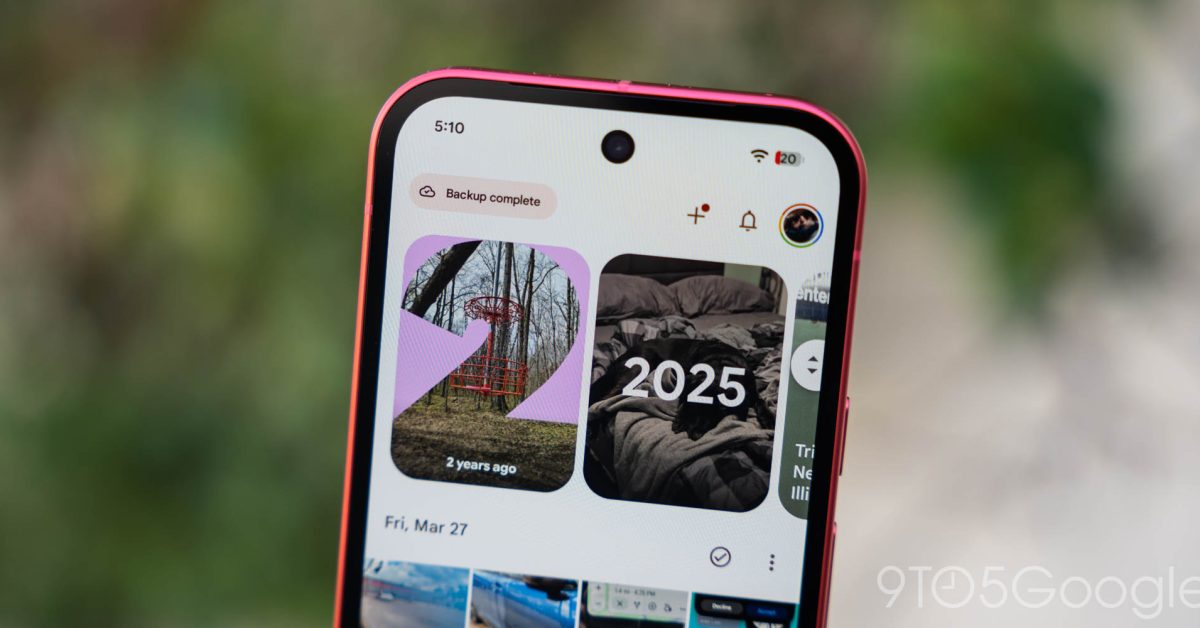
Google Photos is rolling out a customizable redesign of the Collections tab on Android and iOS, following the floating navigation bar introduced in July. The previous design started with a 2×2 grid featuring Favorites and Trash at the top, with other shortcuts changing based on usage, followed by large cards for Albums, On this device, People & pets, Wardrobe, Documents, Places, Stickers, and Moments. On Android, a list section included Screenshots, Videos, Recently Added, Archive, and Locked.
The new redesign focuses on customization. The first section, called "Pinned," lets users choose which cards appear, defaulting to Favorites, Screenshots, and Trash, with the option to remove the section entirely. This is followed by carousels for On this device, Albums, People & pets, Wardrobe, Places, and Documents. A "View all" option in the top-right corner allows users to jump to the full grid or list view, while other settings let users hide sections and rearrange their order.
The "Other Collections" grid includes Favorites, Screenshots, Moments, Videos, Recently Added, Stickers, Creations, Archive, Locked, and Trash. A "Reorder" button at the bottom enables further customization. The redesign is now widely available with Google Photos 7.97 on Android and 7.98 on iOS. Instead of using Force stop on Android, users can trigger the server-side update by restarting their devices and opening the Photos app.
Source: 9to5Mac · Summarized by HeadlinesBriefing