
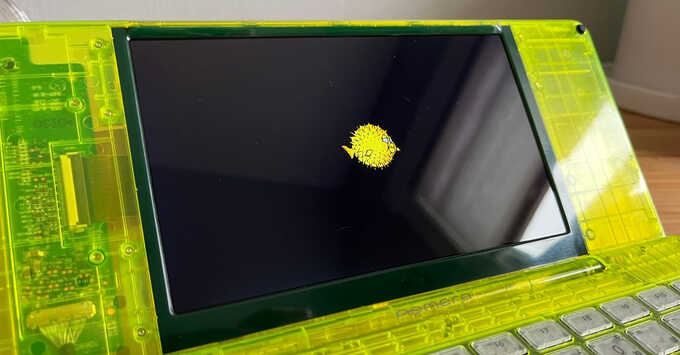
A community contributor has posted detailed notes and pre‑built images for installing OpenBSD‑current on the Japanese‑market Pomera DM250, DM250X and DM250XY. Because upstream support is unfinished, the process requires a custom kernel and a patched U‑Boot image supplied in the repo. Installation is labeled “at your own risk” due to potential battery‑drain or boot‑recovery failures.
Before flashing, the author advises a full eMMC backup using tools from EKESETE.net. The factory U‑Boot watches for Right Shift + Left Alt at power‑on; holding the combo for three seconds triggers a recovery Linux kernel that runs any _sdboot.sh script on an inserted SD card. Writing the new U‑Boot overwrites the original Linux boot partition, so restoration requires the EFI shell on the same SD card.
Format a few‑gigabyte SD card with GPT, make a 100 MB EFI partition and an OpenBSD partition, then drop the armv7 BOOTARM.EFI loader, the U‑Boot image and the _sdboot.sh script onto the EFI volume. Copy OpenBSD snapshot tarballs and Wi‑Fi firmware, boot the DM250 in recovery mode and let the script flash the new bootloader. After manually creating GPT partitions, the Pomera boots OpenBSD from its eMMC.
Source: Hacker News · Summarized by HeadlinesBriefing