
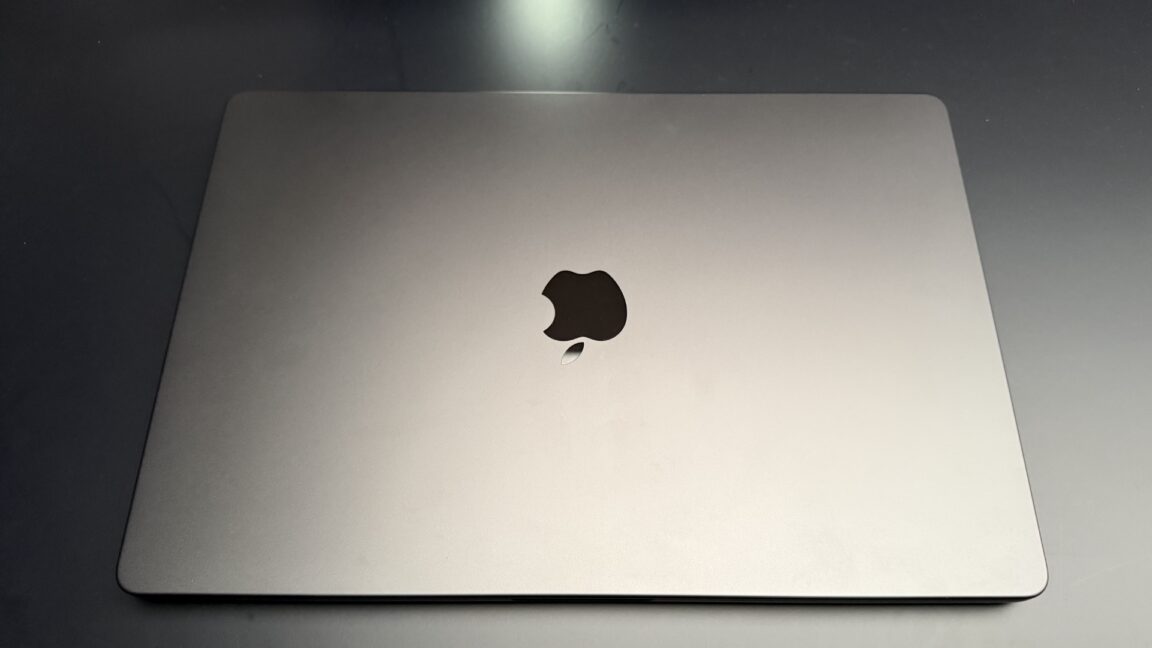
After testing the new MacBook Pro on a crowded showroom floor, the standout feature is its OLED display, which delivers remarkable peak brightness, absolute blacks, and dynamic range. The laptop is noticeably lighter than the 14-inch M1 Max model, though it remains in the same weight class. The Dynamic Island is less dominant on the larger laptop screen, though questions remain about fullscreen game compatibility with the notch cutout. The Apple logo on the lid glows again, adding a nostalgic touch. The built-in touchscreen works as expected, supporting gestures like swiping between desktop spaces, pinching to zoom, and dragging windows. While functional, there's little it can do that trackpad gestures can't already handle, and creative apps like finger painting offer only modest benefits. Unlike rumors of a convertible design, this remains a traditional laptop form factor without Apple Pencil support. The OLED screen itself impressed this display-focused reviewer with its color accuracy and contrast.
The touchscreen supports three-finger swipes between desktop spaces, pinch-to-zoom on images and Maps, window dragging and resizing with flick gestures to snap to screen edges, file dragging between apps, app launching and closing, finger drawing in illustration apps, color sketching on 3D models, and video scrubbing. None of these capabilities are particularly novel compared to existing trackpad gestures at the OS level.
Apple's decision to add a touchscreen follows years of debate, with Steve Jobs previously opposing the concept. Reports suggest Tim Cook and John Ternus supported moving forward with the idea.
The laptop does not convert into tablet mode, making touchscreen interactions like playing a virtual keyboard somewhat awkward.
Despite the touchscreen addition, the OLED display remains the most impressive upgrade.
Source: Ars Technica · Summarized by HeadlinesBriefing