
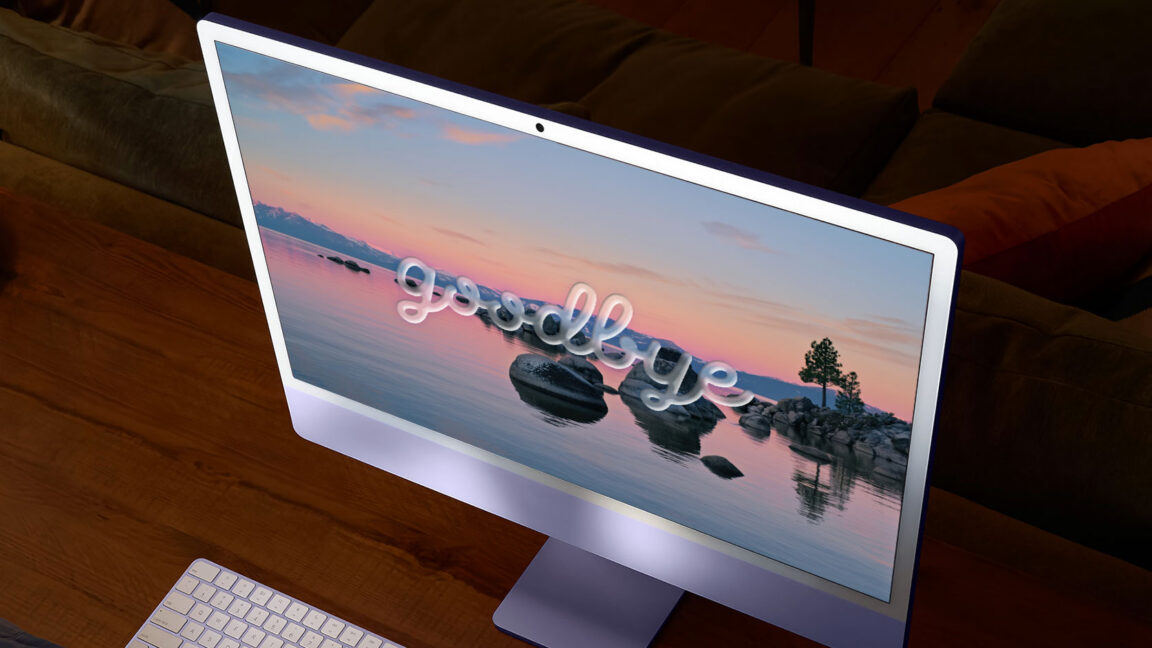
An Ars Technica colleague recently purchased a new M4 MacBook Air and wanted to downgrade from macOS 26 Tahoe to the more familiar macOS 15 Sequoia. While the hardware received positive marks, the Liquid Glass redesign has drawn criticism from longtime users, including developers tracking Finder and window resizing issues.
Apple provides security updates for older macOS versions for about three years after release. macOS 15 Sequoia will receive security patches until roughly September or October 2027, with Safari updates continuing for two additional years. While staying on Tahoe ensures access to the latest features, Sequoia remains a viable option for those preferring the previous interface.
Any Mac with an M4 family chip or older can downgrade to Sequoia. The process involves creating a bootable USB installer or performing a DFU restore. Users should note that Macs cannot run macOS versions older than their original shipping version, and transferring data from Tahoe to an older macOS version requires separate steps not covered in this guide.
Source: Ars Technica · Summarized by HeadlinesBriefing