
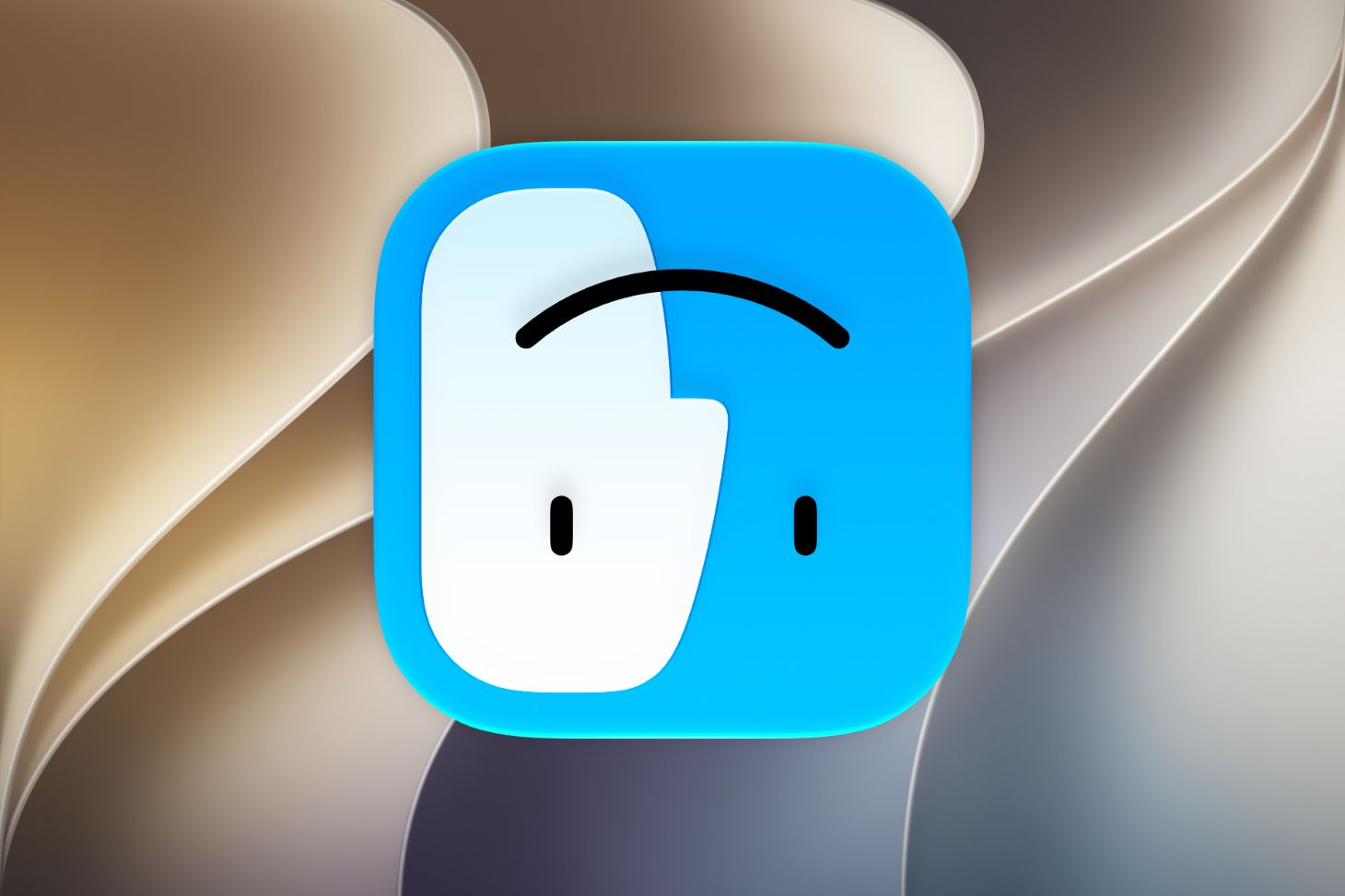
In June 2008 Apple announced Mac OS X Snow Leopard, proudly boasting that it would have "no new features". Instead of piling on new things, Snow Leopard aimed to build on the success of its predecessor, Leopard, opting to focus on under-the-hood performance and stability improvements throughout the system. 18 years later, Apple is taking a similar approach with mac OS 27. Golden Gate aims to fix the missteps of last year's Tahoe, promising an expansive set of improvements and "a more responsive and delightful experience". Does it hold up? Here are just some of the bugs I’ve encountered in my daily use over the past couple of weeks.
Alignment is hard. Take the Quick Time record button. And here are the window tiling icons. Text is affected, too. And this is the first thing you see when you open System Settings. Opening the Mac User Guide, I was quite surprised to find that it was for last year's OS. Things they forgot: Siri's old logo, the Network app can’t make up its mind whether to use its new icon or not, and the window controls now have a glossy sheen but Mission Control hasn't been told.
In this release, Apple changed the architecture of the menu bar, breaking third-party apps and introducing bugs and crashes. Try moving the green camera icon — you've crashed the menu bar. The search bar in System Settings sometimes refuses to work. Links are only clickable for a split second. I've been waiting for this volume slider to auto-hide for over an hour. You can find references to NeXTSTEP in the UI. Window sizes can be miscalculated, and window controls can disappear.
Nitpicking: the Touch Bar icon doesn't match the UI. Use the screenshot app to capture an app window and you'll discover the only straight corner in the entire OS. Show me one oval camera lens anywhere in the world. There should be some sort of visual feedback when I click on this menu item. And lastly, something I find unintuitive.