
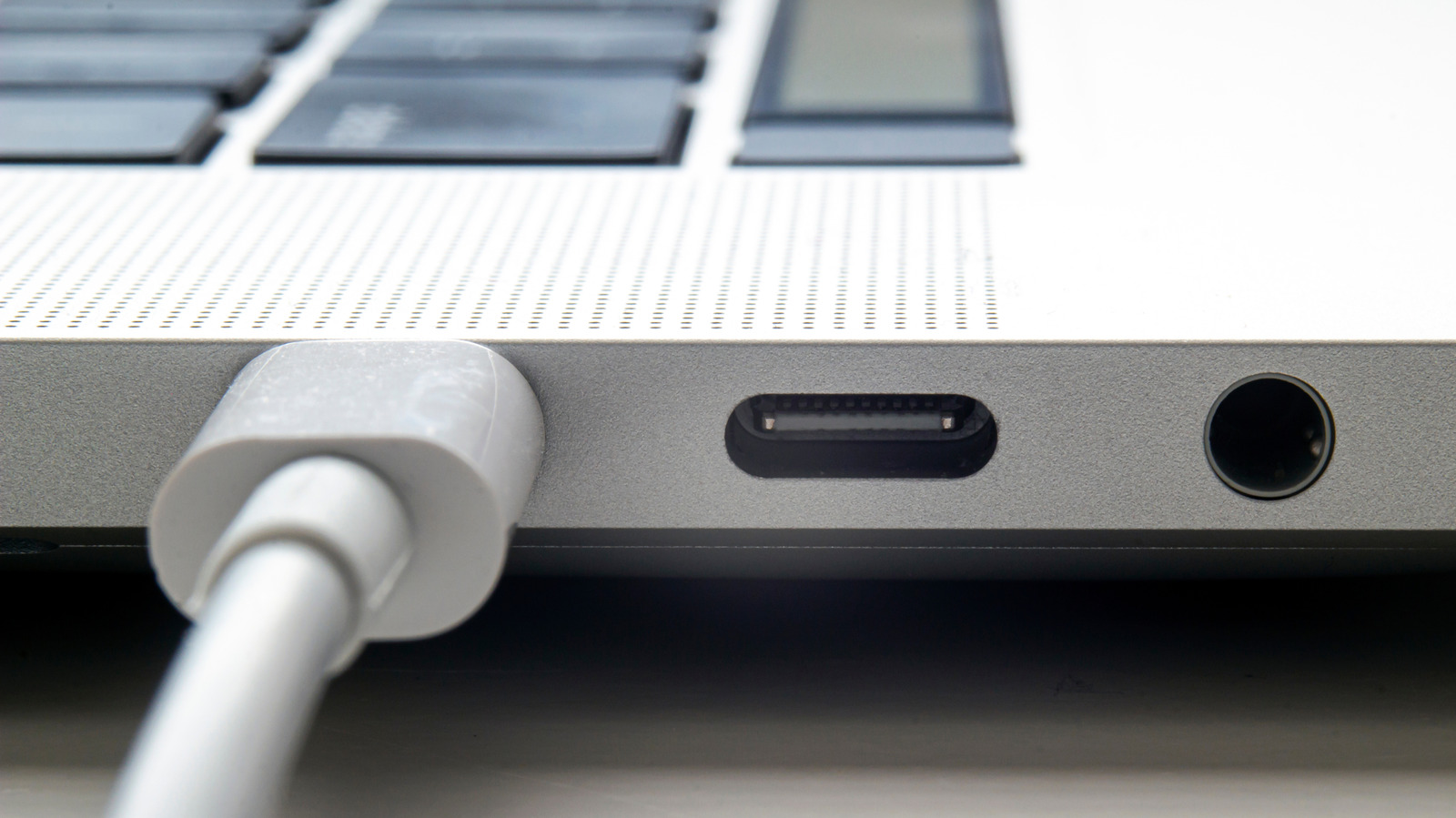
USB devices not appearing on your MacBook can be frustrating, but the causes are often simple. macOS requires permission for accessories to connect, and accidentally rejecting a prompt can block data transfer. Unplug and replug to re-trigger the permission request, or adjust settings under System Settings > Privacy & Security > Accessories. If the device still isn’t recognized, hold Option and go to Apple menu > System Information to check if it appears under Hardware.
Power issues are common—some accessories need more power than a USB port provides. Try a different port, bypass hubs or docks, or use a powered USB hub. Ensure macOS is updated via Software Update, and check for proprietary accessory software.
If problems persist, contact Apple Support.
Source: Engadget · Summarized by HeadlinesBriefing