
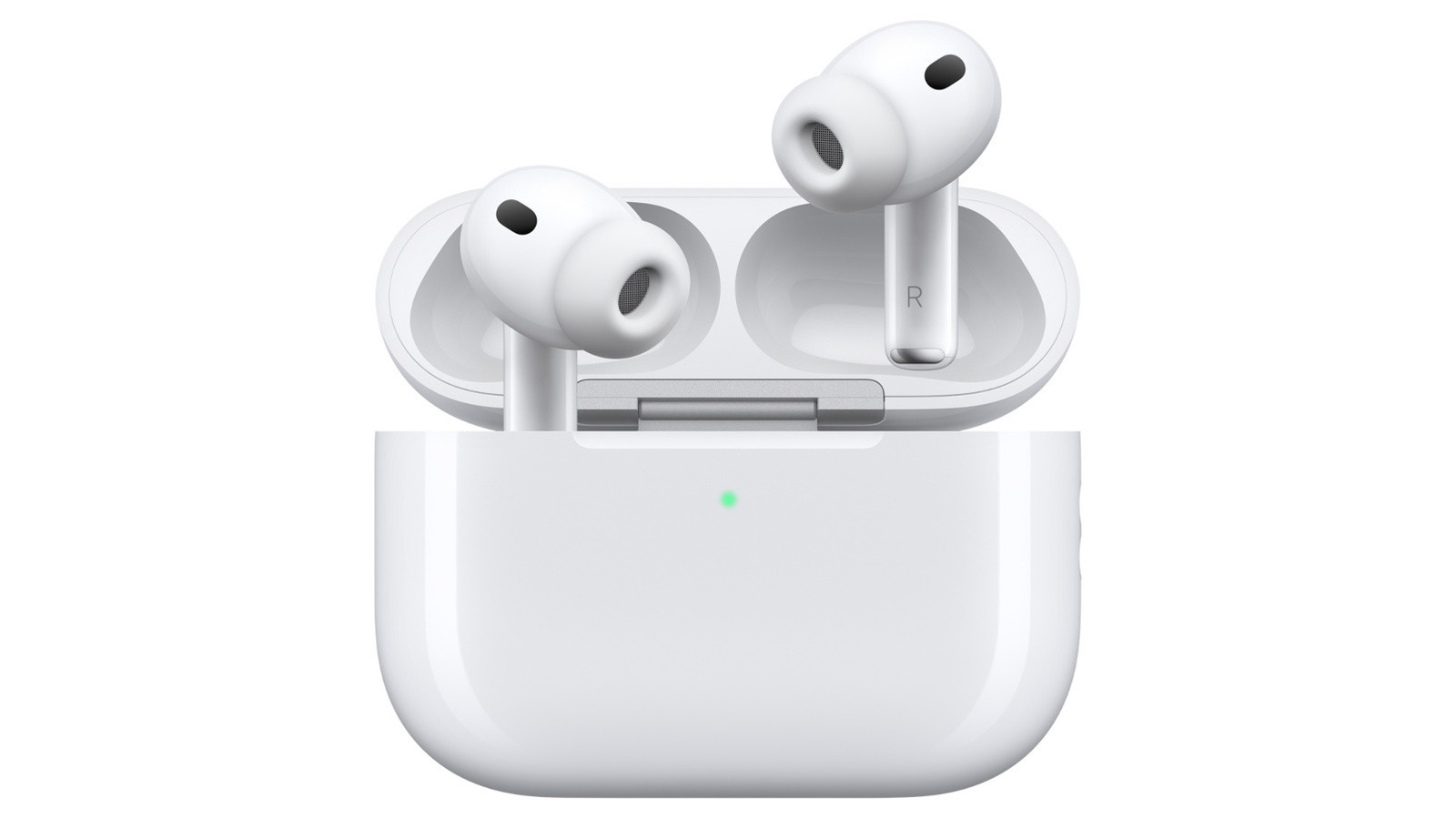
Your AirPods' chirping noise doesn't just mean low battery. While the most common reason your AirPods try to get your attention is low power, they can emit sounds ranging from cute little chirps to ear-piercing screeches for other reasons.
Power fluctuations, interruptions to electricity flowing into the device, and other battery issues can cause chirping even after being plugged in. Connectivity issues with your paired device can also trigger noise—for example, switching off Bluetooth on your iPhone may cause your AirPods to make sounds. Accidentally rubbing them together can produce noise too, and sometimes it happens for no reason at all.
Apple's AirPods Pro 2 and AirPods Pro 3 support a clinical-grade Hearing Aid feature and may periodically play a quiet chime in their charging case to ensure microphones and speakers are operating at their best. Louder, persistent sounds indicate the Find My feature is triggered. Water damage, clogged earbuds, or poorly fitting ear tips can cause high-pitched noises.
To stop chirping, open the AirPods case, go to Settings on your connected device, tap your AirPods' name, navigate to Audio & Routing, and toggle off Enable Charging Case Sounds.
Source: Engadget · Summarized by HeadlinesBriefing