
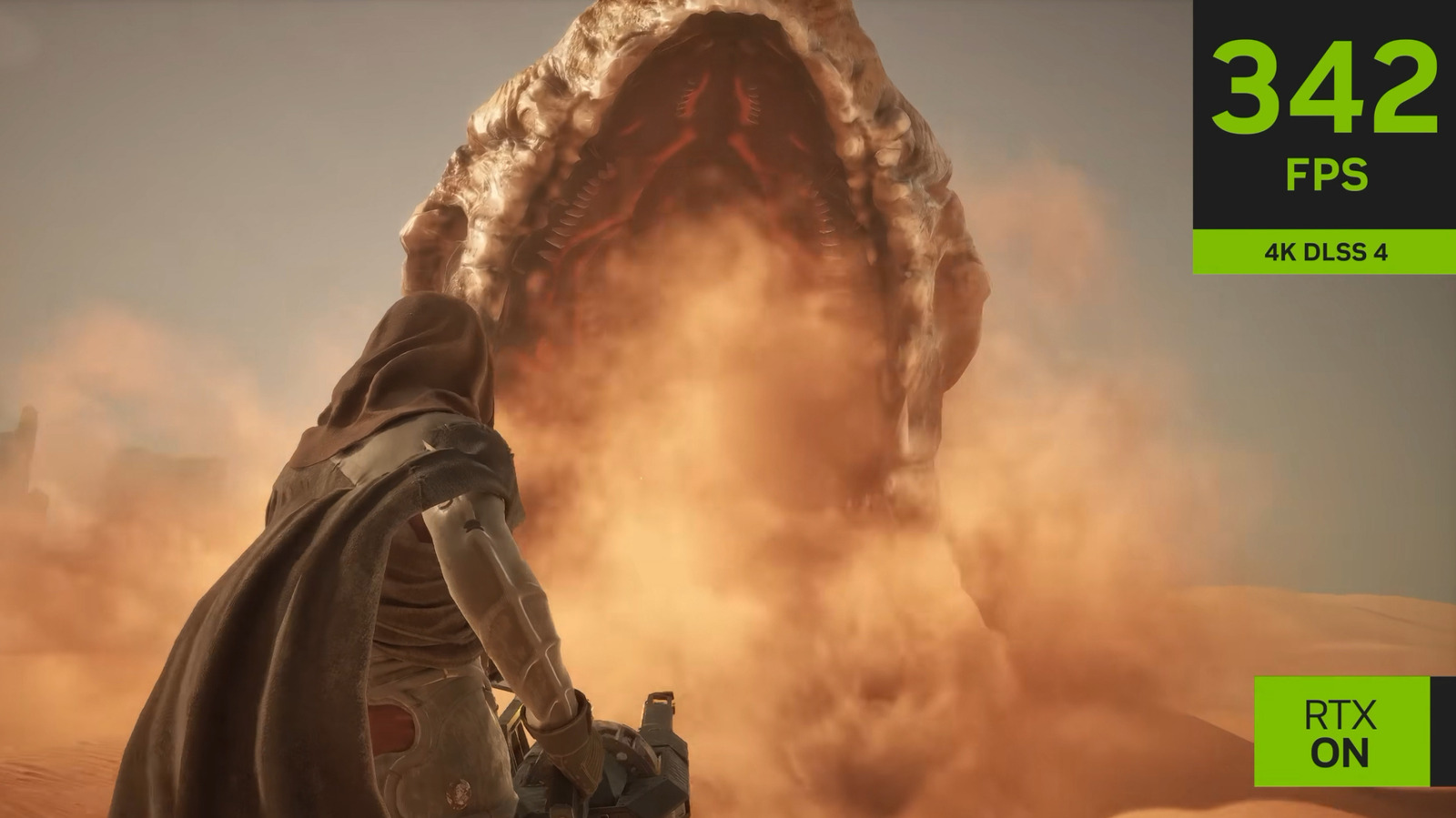
NVIDIA's DLSS 4.5 introduces three model presets — preset K, preset L, and preset M — each tuned for different GPU tiers. Preset K targets highest-end rigs, delivering the best image quality for native-like 4K output when paired with DLAA, Quality, or Balanced super-resolution modes.
Preset M suits mid-range cards like the RTX 4070, upscaling from 1080p with strong stability at 4K. Preset L serves older RTX 30/20 Series hardware, upscaling from 720p for playable 1440p/4K performance, though ghosting may appear in fast motion.
Switch presets via the NVIDIA app under Graphics > Global Settings > DLSS Override – Model Presets. For 4K gaming on flagship GPUs, preset K with Quality or Balanced mode hits the sweet spot; DLAA demands a 50 Series GPU to avoid frame-rate drops. The presets let users match upscaling quality to their hardware without the controversy surrounding DLSS 5's generative features.
Source: Engadget · Summarized by HeadlinesBriefing