
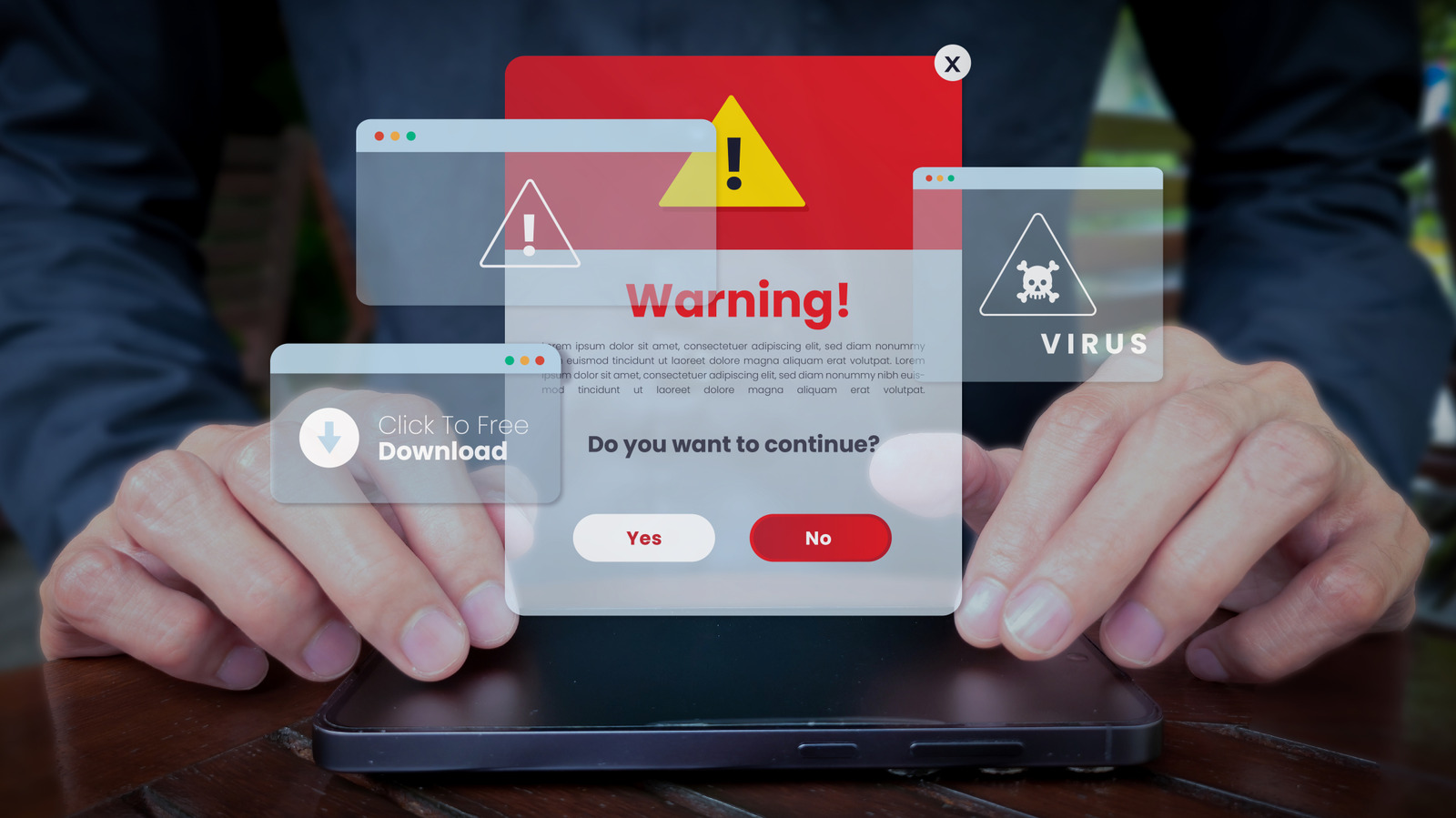
That "critical Microsoft alert" telling you your PC is infected is almost always a scam, and falling for it can actually install malware. Cybersecurity researchers call these tactics "scareware" because they are designed to induce panic. The scams are widespread: one browser-based strain called Cypher Loc has reached more than 2.8 million people since the start of 2026, according to a study from security firm Barracuda. The goal is usually to gain access to your computer or steal money, often by directing you to a bogus tech support number, tricking you into downloading a malicious anti-malware scanner, or getting you to hand over payment information. Some pop-ups even disguise themselves as security features, such as fake CAPTCHA requests that the FTC has flagged as a way to install malware.
These pop-ups rely on dramatic wording like "Critical Threat Detected!", flashing lights, bright colors and alarm sounds. They sometimes borrow the names of legitimate security companies, such as McAfee or Windows Defender, to seem credible. They typically reach you through browser pop-ups or your computer's notification center, usually after clicking an unsafe link or a compromised ad. Sites can also gain permission to send notifications when you click "Allow" on a prompt that looks harmless, and those alerts can then arrive even when the site is closed.
If a full-screen virus warning appears, do not click anything on the page, since it may be built to hijack the browser. The most effective response is to close the offending tab through your browser's task manager, using Shift + Escape in Chrome, Edge or Firefox. F11 exits full-screen mode. If that fails, force-quit the browser from Windows Task Manager, opened with Ctrl + Shift + Esc. Once the browser is closed, review your notification permissions and remove any sites you don't trust.
Source: Engadget · Summarized by HeadlinesBriefing