
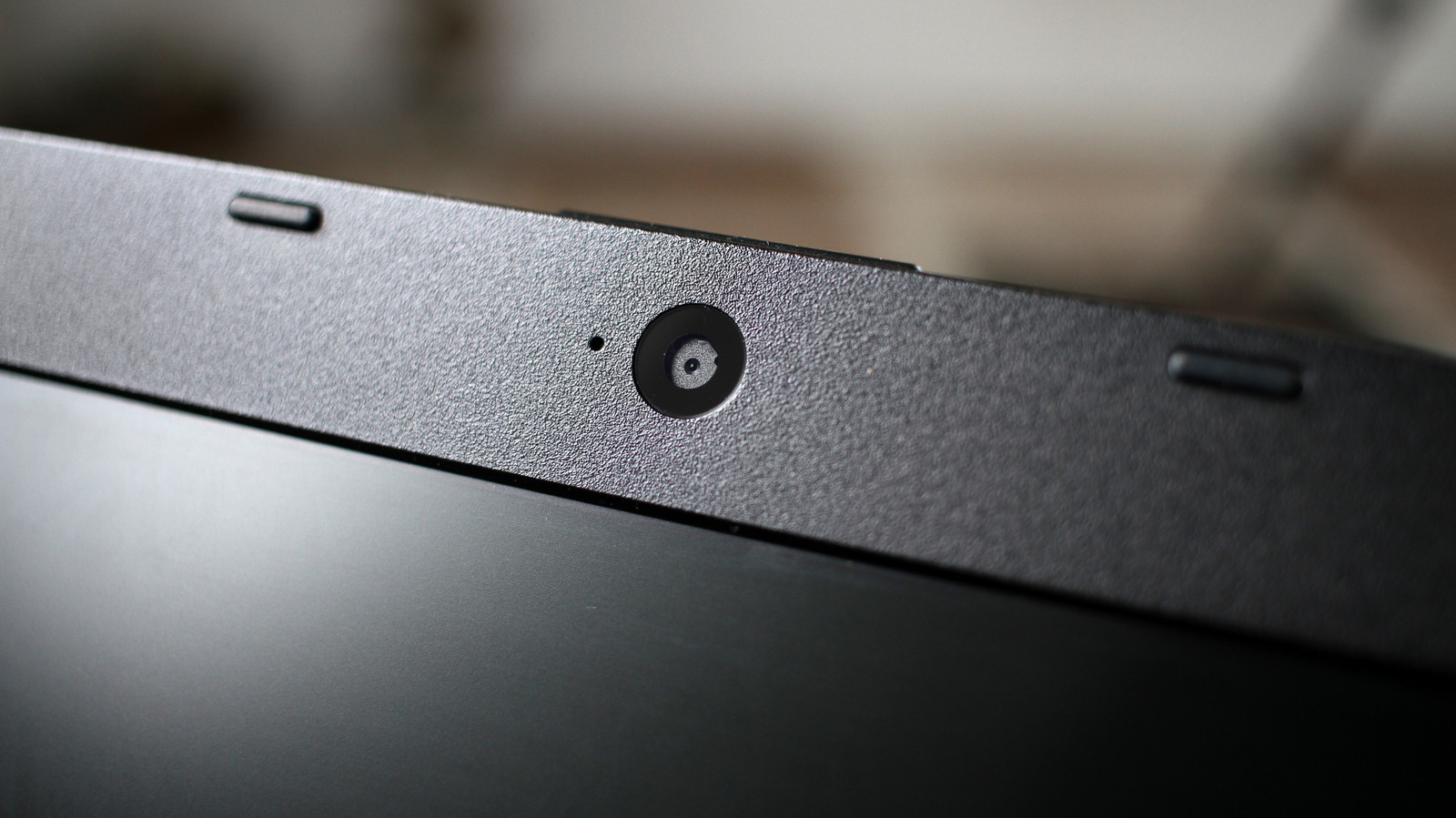
Laptop webcams often look poor due to hardware constraints like small sensors in thin lids. Ambient light and fingerprints on the lens also degrade image quality. Start by cleaning the camera with a microfiber cloth and adjusting your lighting—face a window or use a lamp in front of you, never behind. Products like the Elgato Key Light or Logitech Litra Glow help, but your screen can also serve as a light source.
Macs feature Edge Light (available since macOS 26.2), while Windows users can use apps like Light ON or Edge Light for Windows. Software tweaks can further enhance the image: Windows 11 allows adjusting brightness, saturation, and Video HDR under Bluetooth & Devices > Cameras. NVIDIA Broadcast offers noise removal and eye contact correction for RTX users, while Camo works for others. Mac users can enable Studio Light via the menu bar icon.
If improvements remain limited, consider an external webcam or using an iPhone as a camera.
Source: Engadget · Summarized by HeadlinesBriefing