
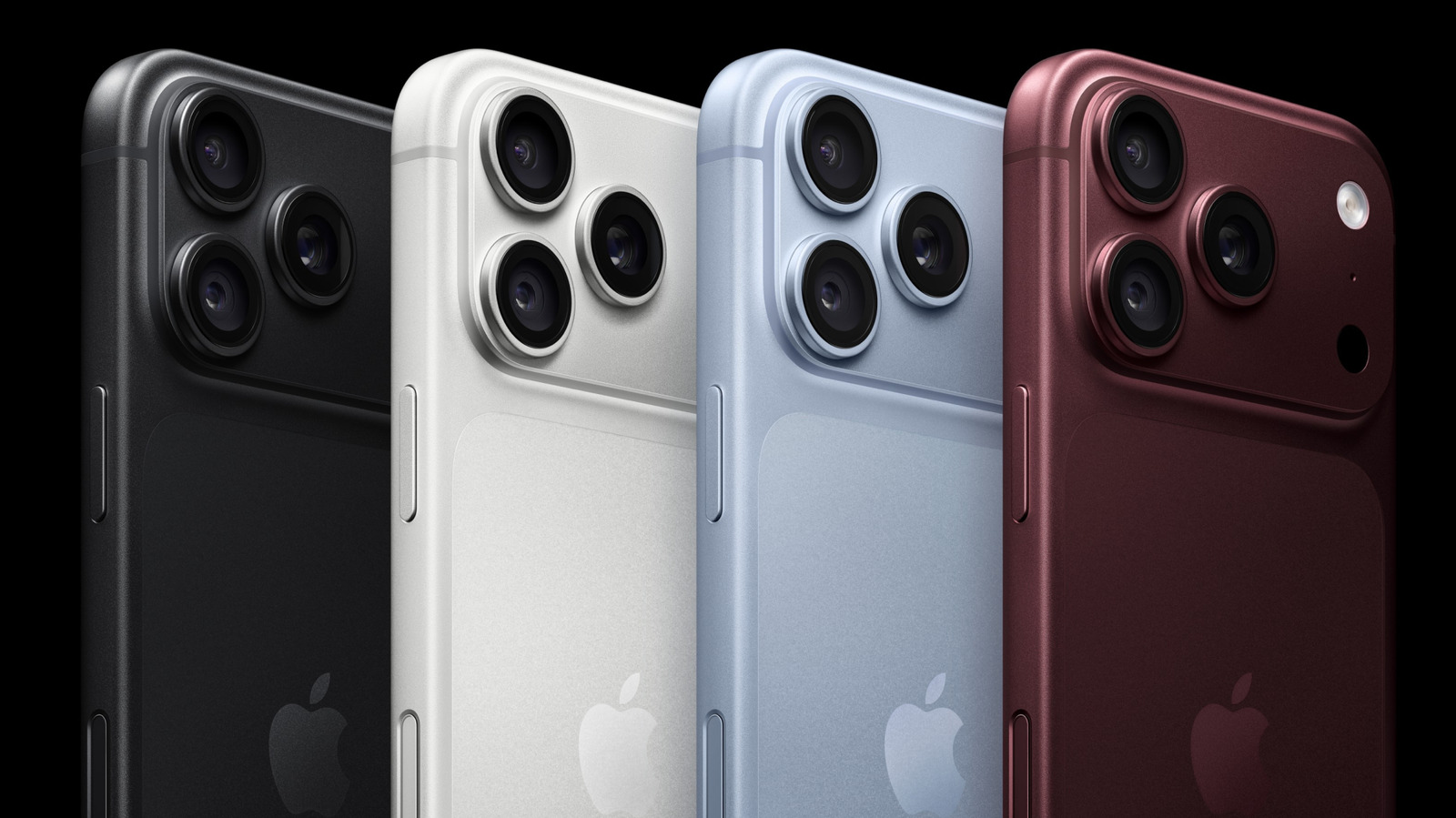
The iPhone 16 series features a capacitive Camera Control button on the right side that supports gestures like clicks, swipes, and long-presses. Users can customize its behavior through Settings > Camera > Camera Control, selecting which app launches and which photography adjustments appear. Options include choosing between Instagram, Code Scanner, or Magnifier, and enabling Zoom, Exposure, Depth, Styles, and Tone. Advanced settings allow users to reorder preferred adjustments for quick swiping during shooting. Additional options include disabling single or double-click functions, requiring the screen to be on to prevent accidental launches, and locking focus and exposure. For accessibility, users can disable the button entirely and adjust press force and speed. Setting behaviors to "Slow" helps prevent accidental openings, while trimming adjustments to frequently used tools like Zoom, Exposure, and Styles streamlines the photography experience.
The feature enhances one-handed photography by letting users tailor the button's responses to their specific workflow. Whether avoiding accidental activations or prioritizing specific camera settings, Camera Control offers flexible customization for both casual and advanced iPhone photographers.
Source: Engadget · Summarized by HeadlinesBriefing