
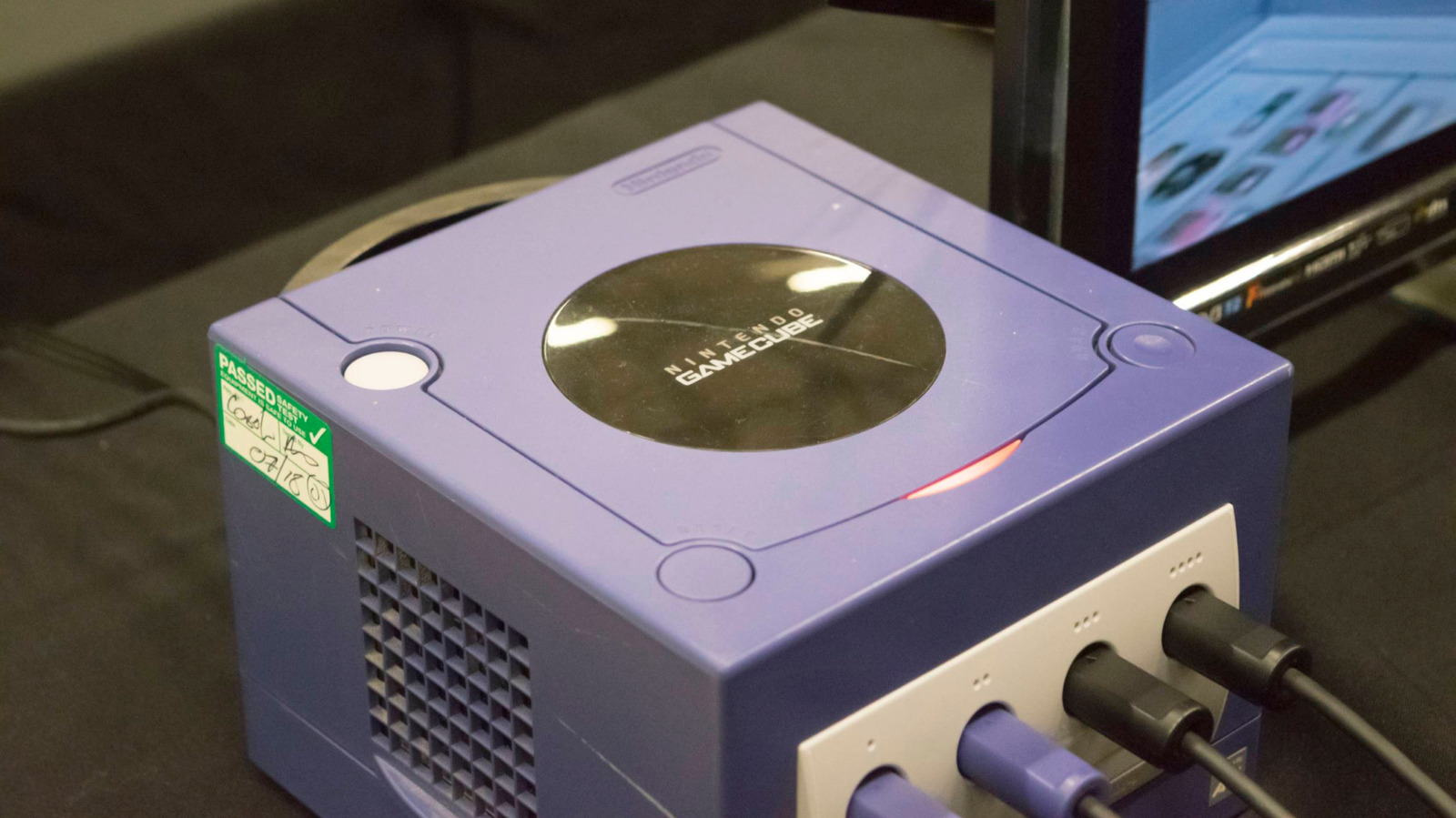
Buying a used GameCube is one of the few ways to experience its library today, but it’s not as simple as plugging it in. If you choose the wrong model, you could end up unable to play any games. The biggest hurdle is region locking. A console will only run discs made for its specific market: North America (NTSC-U), Japan (NTSC-J), and Europe/Oceania (PAL). These regions stem from older analog TV standards dictating power grids and frame rates.
While earlier systems like the NES and PlayStation shared this limit, modern hardware like the Nintendo Switch 2, PS5, and Xbox Series are physically region-free. The practice originally prevented early imports, managed regional rating boards, and allowed localized pricing. Digital stores still hold geographic restrictions, but retro physical media remains strictly bound to the box.
A cheap Japanese unit won’t read English releases, and you can’t test region-exclusive titles on an American machine. Modding removes locks but is complicated. Instead, verify compatibility upfront. Check for ESRB ratings, PAL labels, or console tags like (JPN) before purchasing to avoid costly mistakes.
Source: Engadget · Summarized by HeadlinesBriefing