
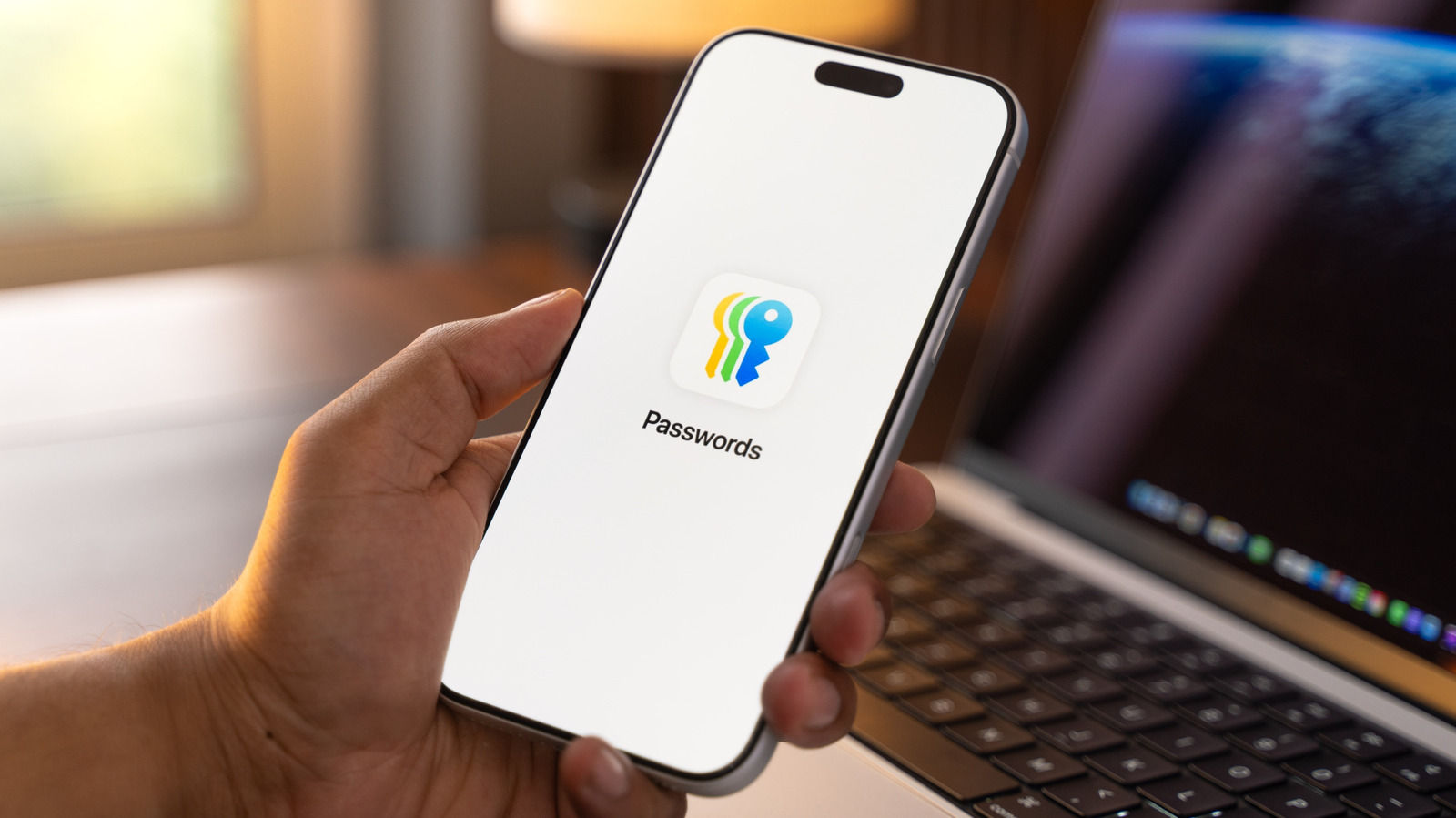
Apple Passwords and Google Password Manager are both free and both run on your iPhone, but each takes care of your logins differently. In the grand scheme of things, they are very similar in aesthetics and workflow, with a long, single, scrollable column of usernames. The obvious difference is that Google Password Manager is a webpage or built into Chrome, while Apple Passwords means opening a standalone app on your iPhone, iPad or Mac.
On an iOS device, Google Password Manager is built into Chrome and your logins are stored in your Google account, letting you access passwords regardless of the browser. There's a trade-off: Apple's feature is immediate the moment you set up your device, while Google's takes an extra minute or two. Apple offers a Windows option through iCloud for Windows, but there is no Apple Passwords app for Android.
Both ask you to save a new login when you sign up, and both allow editing, notes and export. With iOS 26, Apple added version history. Google gives each field its own copy button plus an eye icon to reveal the password.
You can use both at once, but keeping up with two can get messy. Apple's version syncs only across Apple devices and Windows PCs; Google's syncs across all platforms with Chrome.
Source: Engadget · Summarized by HeadlinesBriefing