
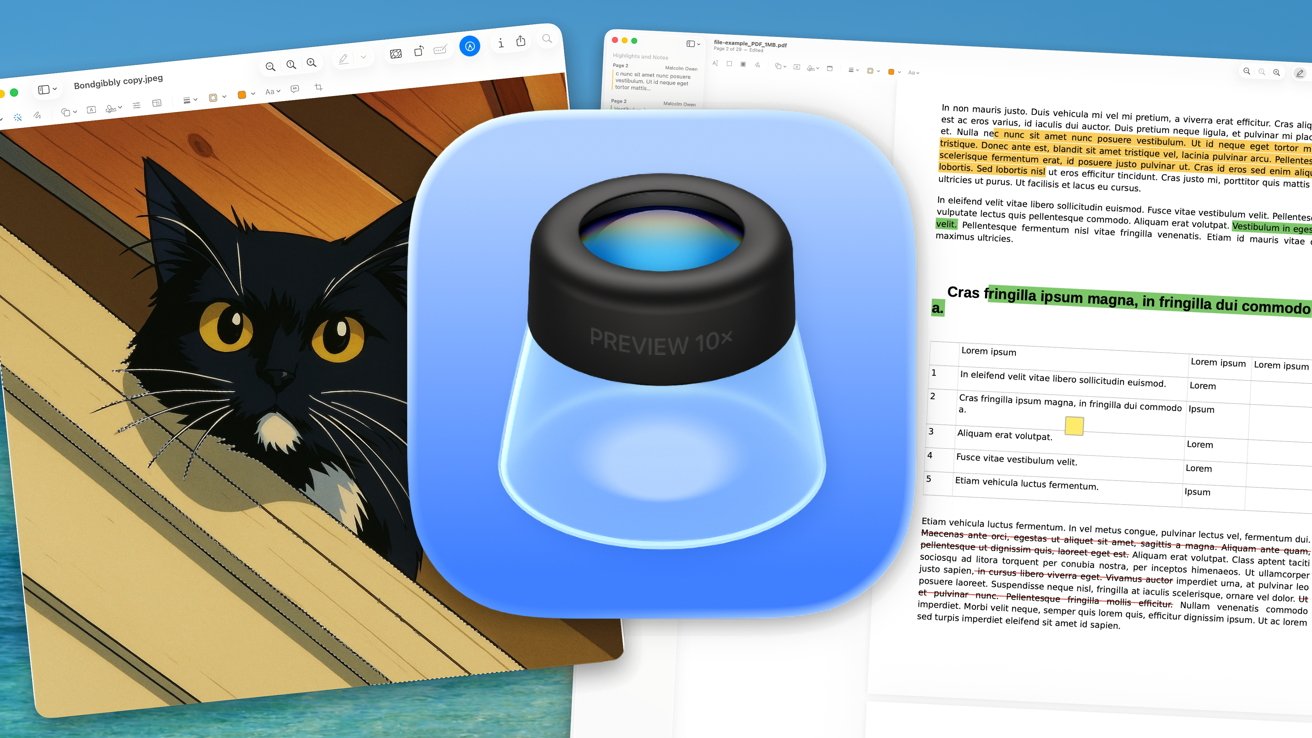
Apple's macOS 26 Tahoe quietly upgrades its Preview app with iOS/iPadOS integration and PDF editing features, transforming it into a versatile cross-platform tool. The update brings mobile versions of Preview to iOS 26 and iPadOS 26, mirroring macOS functionality for seamless file management across devices. Users can now view and annotate images, edit PDFs, and leverage clipboard tools without switching apps.**
Preview's PDF capabilities shine with a dedicated toolbar for highlights, notes, and strike-throughs. Users can remove backgrounds from images within PDFs, rotate pages, and fill forms directly in the app. While not a full Adobe Acrobat replacement, it handles basic edits like cropping, text selection, and color adjustments for highlights. The sidebar menu offers thumbnails, bookmarks, and contact sheets for navigating lengthy documents.**
Clipboard integration lets users instantly create new files from copied images or text. Preview 101 guides show how to save untitled clipboard files permanently, avoiding data loss. The app supports RAW, PSD, and AI files alongside standard formats, reducing reliance on heavier software like Photoshop. macOS 26 Tahoe users can organize files via tags directly in Preview's interface.**
This update matters for cross-device productivity. By unifying Preview's features across Apple's ecosystem, Apple eliminates workflow fragmentation. Users gain a lightweight alternative to Adobe tools for basic PDF tasks, while the clipboard feature streamlines creative and documentation workflows. macOS 26 Tahoe proves Preview is evolving beyond its legacy role as a simple file viewer.
Source: AppleInsider · Summarized by HeadlinesBriefing