
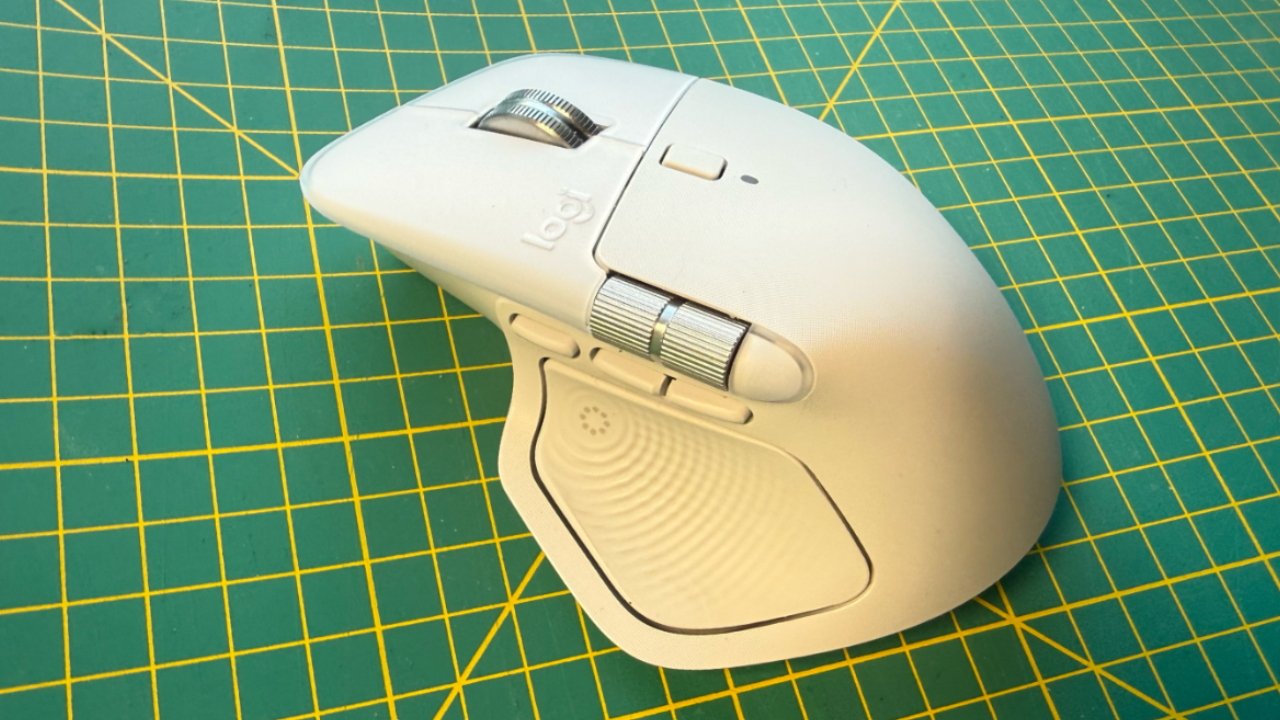
Logitech's MX Master 4 mouse delivers a compelling upgrade for right-handed Mac users, primarily through its innovative Actions Ring feature. The new Haptic Panel thumb button launches an on-screen ring of eight customizable icons that surround your cursor, providing instant access to frequently used apps and functions. This addresses a key limitation of traditional mice compared to trackpads.
While the reviewer remains a trackpad enthusiast, the Actions Ring proved genuinely productivity-enhancing, offering faster navigation than finger gestures in many scenarios. The mouse also includes gesture controls for switching Spaces, Mission Control, and App Expose, plus a Smart Zoom button that automatically resizes web content. Two scroll wheels provide both vertical and horizontal scrolling capabilities.
However, the MX Master 4's right-handed-only design excludes left-handed users, and some features like 8K monitor support and multiple display optimization weren't fully tested. The Actions Ring concept isn't entirely new—Elgato's Virtual Stream Deck offers similar functionality—but Logitech's implementation feels more polished and intuitive. Despite minor compatibility issues with Apple's Universal Control, the MX Master 4 represents a significant evolution in productivity-focused mice, making it worth considering for right-handed Mac users who want to complement their trackpad workflow.
Source: AppleInsider · Summarized by HeadlinesBriefing