
Apple's iPadOS 26 represents the first update in years that makes the iPad feel meaningfully closer to a real primary computer, even if it still isn't consistent enough to fully replace a Mac. The software has long imposed strict sandboxing and restricted multitasking, choices that prioritized security but prevented apps from behaving like they do on a desktop.
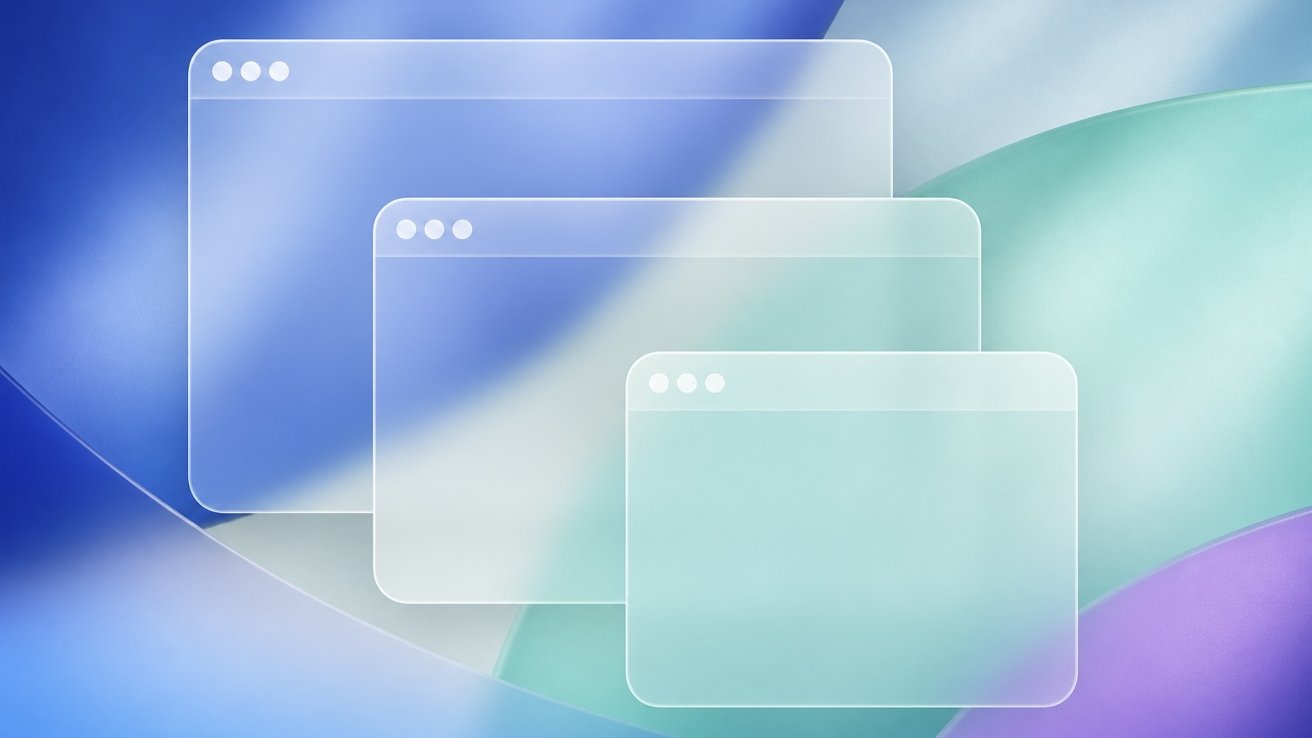
The update introduces a new windowing system with resizable, movable windows that let users arrange apps around their task instead of forcing the task into the system's layout. Windows remember their placement, so returning to a project restores your workspace automatically. The new Liquid Glass design adds visual depth, while a Mac-style menu bar surfaces controls users may have forgotten existed, and the Files app now displays useful metadata like file size, kind, and date modified.
The smaller 11-inch iPad Pro makes the new windowing feel cramped faster than expected, and you'll still encounter apps that don't fully support the system. Apple addressed some readability issues with Liquid Glass in the iPadOS 26.1 update by adding Clear and Tinted appearance options. Daily work is more flexible, and the iPad finally supports more complex work without constantly reminding you that the operating system is in the way.
Source: AppleInsider · Summarized by HeadlinesBriefing