
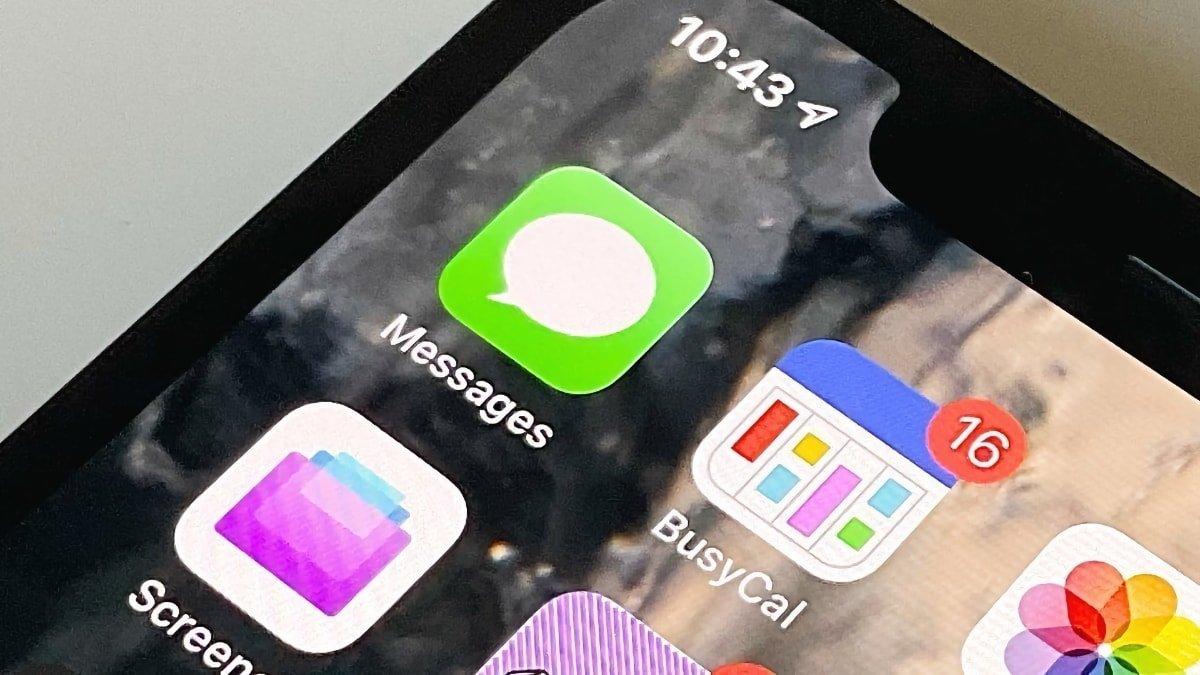
iPhone and Mac users can now delete messages from iCloud storage to reclaim space and enhance privacy. This process permanently removes conversations from the cloud, preventing unauthorized access to sensitive data. AppleInsider details the steps: open the Messages app, swipe left on a conversation, and tap Delete.
For automatic deletion, navigate to Settings > Messages > Keep Messages, choosing a retention period like 30 days or one year. Users can also delete specific attachments by accessing ~/Library/Messages/Attachments in Finder on Mac or via the Details option in the Messages app on iPhone. This straightforward method significantly improves device performance by reducing iCloud storage demands.
Source: AppleInsider · Summarized by HeadlinesBriefing