
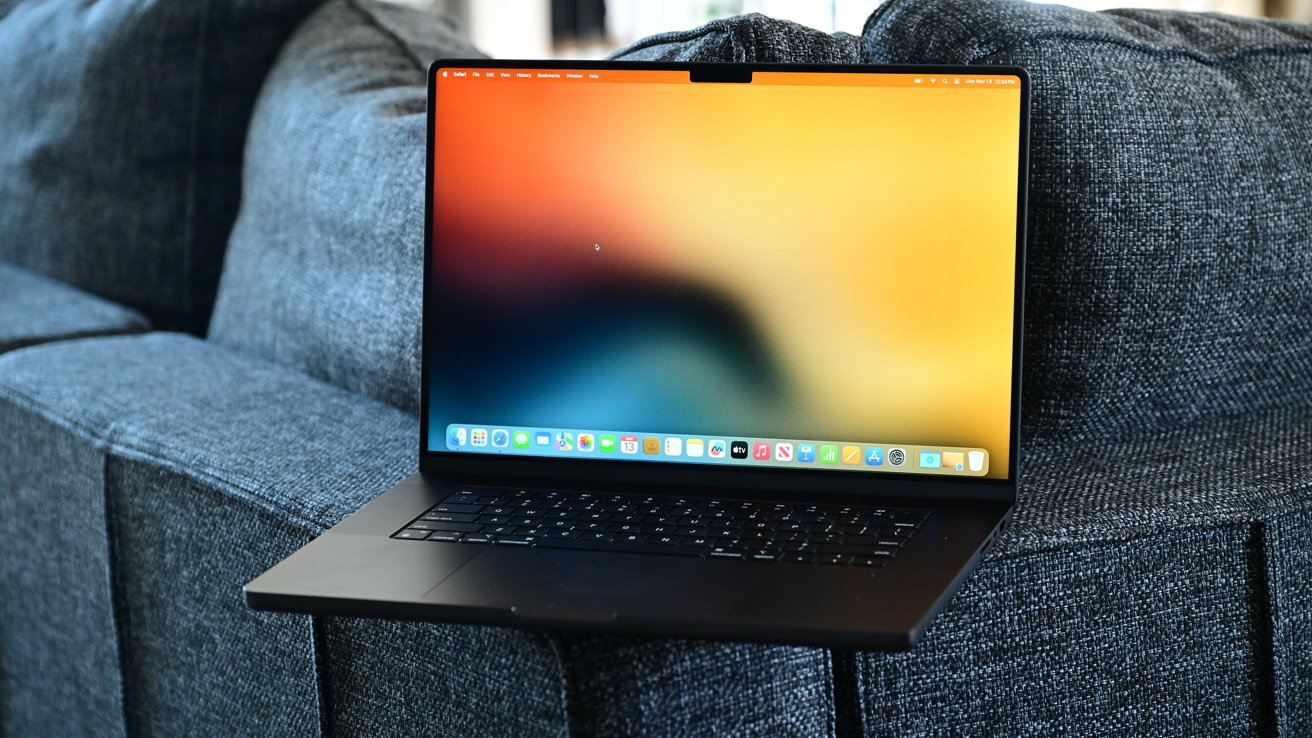
Buying a used Mac can save money, but risks exist. Activation Lock is Apple's major hurdle; ensure the seller removes it before purchase. A Mac showing 'This Mac is locked' is unusable without the original Apple ID. Check System Information to confirm 'Disabled' status.
Second, watch for Mobile Device Management (MDM) profiles. Macs from companies often remain supervised, allowing remote control. Look for 'This Mac is supervised' messages or check System Settings > General > Device Management.
If managed, demand proof of deprovisioning. Finally, inspect hardware thoroughly. Check the screen for dead pixels, the keyboard for butterfly failures (especially on 2016-2019 models), and ports for damage.
A used charger can cost $50-$100; factor this into the price. Never skip diagnostics; Apple's built-in tool checks internal components. This guide helps buyers avoid hidden costs and security issues.
Source: AppleInsider · Summarized by HeadlinesBriefing