
Facing Apple's famously expensive storage upgrade fees, many Mac users seek affordable expansion. The most economical path for massive storage is building your own external drive using a standard hard disk drive and a compatible enclosure. This direct-attached solution avoids cloud subscription costs and network latency, offering a practical balance of capacity and price for stationary desktop setups.
The choice between a hard drive and an SSD hinges on priorities. While SSDs are faster, quieter, and more resilient, their cost per terabyte is substantially higher. A 4-terabyte hard drive costs around $80, versus over $260 for a comparable SSD. For users needing vast, low-cost storage where portability and absolute speed are secondary, the hard drive's price-to-capacity ratio is unmatched.
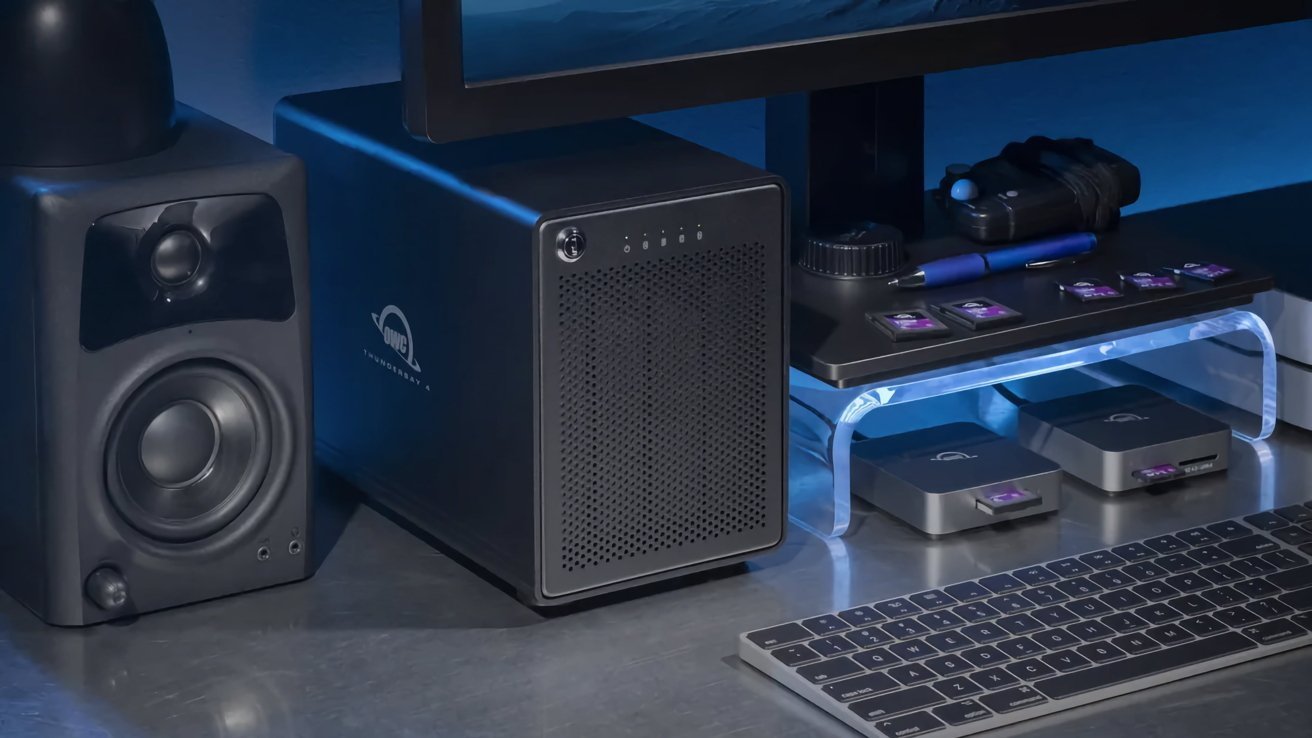
When selecting components, opt for a 7,200RPM SATA drive for better performance over 5,400RPM models, and ensure your enclosure supports SATA, the standard for consumer drives. Products like the OWC ThunderBay 4 RAID exemplify multi-bay enclosures for configuring multiple drives. For a Mac that rarely moves, a DIY hard drive enclosure delivers maximum terabytes per dollar without proprietary markup.
Source: AppleInsider · Summarized by HeadlinesBriefing