
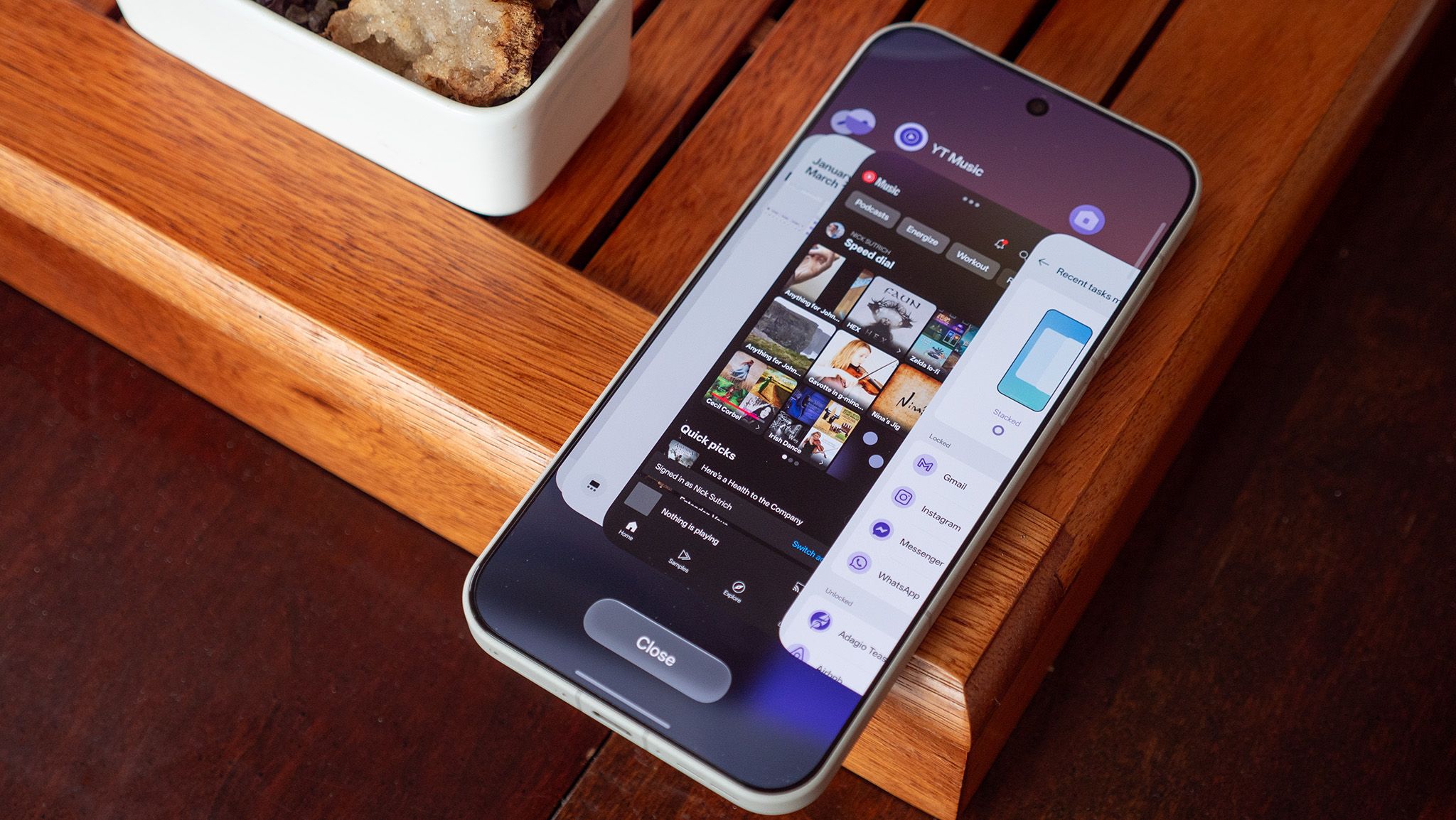
The new multitasking UI on OnePlus 15 phones is widely criticized as a poor imitation of iOS, replacing the company's long-trusted, faster design. Users are horrified by the change, finding the stacked tile layout less efficient for switching between multiple apps. OnePlus 15 owners running OxygenOS 16.1 can revert to the superior classic UI through a hidden setting, though it's not immediately obvious in the menus. The process involves accessing the Recents UI and pressing and holding the Close button, then selecting 'Flat' from the options.
Alternatively, users can navigate via the home screen settings menu. This hidden option restores the blazing-fast app-switching row at the bottom, a feature OnePlus touted as a key speed advantage over competitors. The default stacked design is seen as a step backwards, forcing users to swipe more to switch apps, which is inefficient for power users. OnePlus sacrificed its own superior design for a familiar iOS look, potentially alienating users who valued its unique multitasking approach.
Thankfully, the classic UI remains accessible for those willing to hunt it down, though its obscurity is frustrating. The value of the OnePlus 15 is undeniable, offering flagship specs at a more accessible price point.
Source: Android Central · Summarized by HeadlinesBriefing