
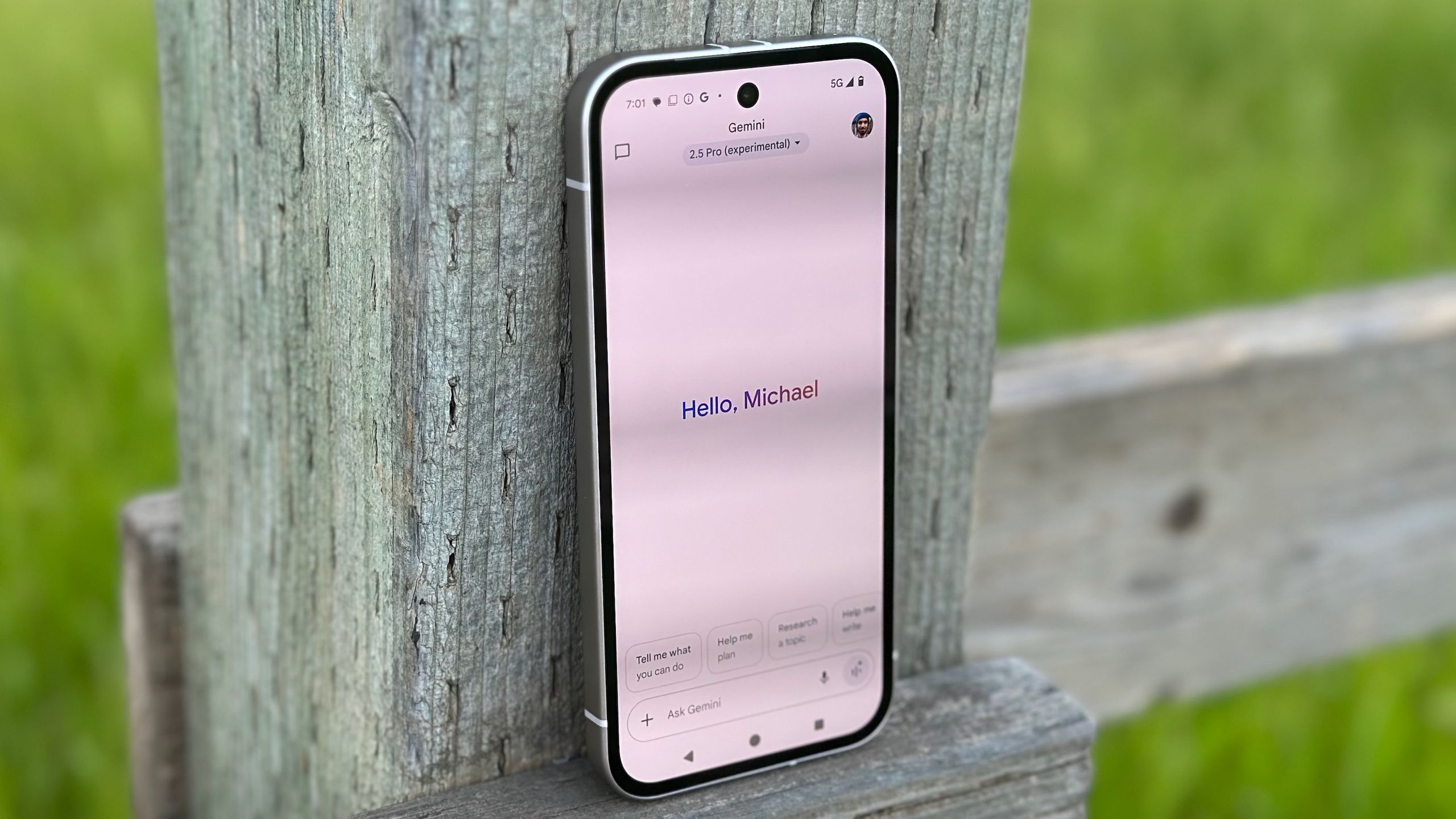
Google is testing a new way to make temporary chats more accessible in its Gemini app. According to a report from 9to5Google, the company is experimenting with moving the temporary chat icon from the side menu to the main app view, positioning it right beside the account icon for easier access.
Temporary chats, introduced last year, allow users to interact with Gemini without having their conversations remembered or used to train the AI model. The feature was designed with privacy in mind, letting users ask one-off questions that won't appear in recent chats or influence future responses. Currently, anything discussed in temporary chats is deleted after 72 hours.
This interface change would make initiating temporary chats effortless - users could simply tap the icon to switch modes. When activated, the icon turns pale blue and the standard Gemini interface disappears, replaced by a brief explainer about how temporary chats work. The text box also changes to say "Ask in a temporary chat" instead of the usual prompt. While Google hasn't announced when this might roll out, the change appears to be in active testing, suggesting it could arrive relatively soon.
Source: Android Central · Summarized by HeadlinesBriefing