
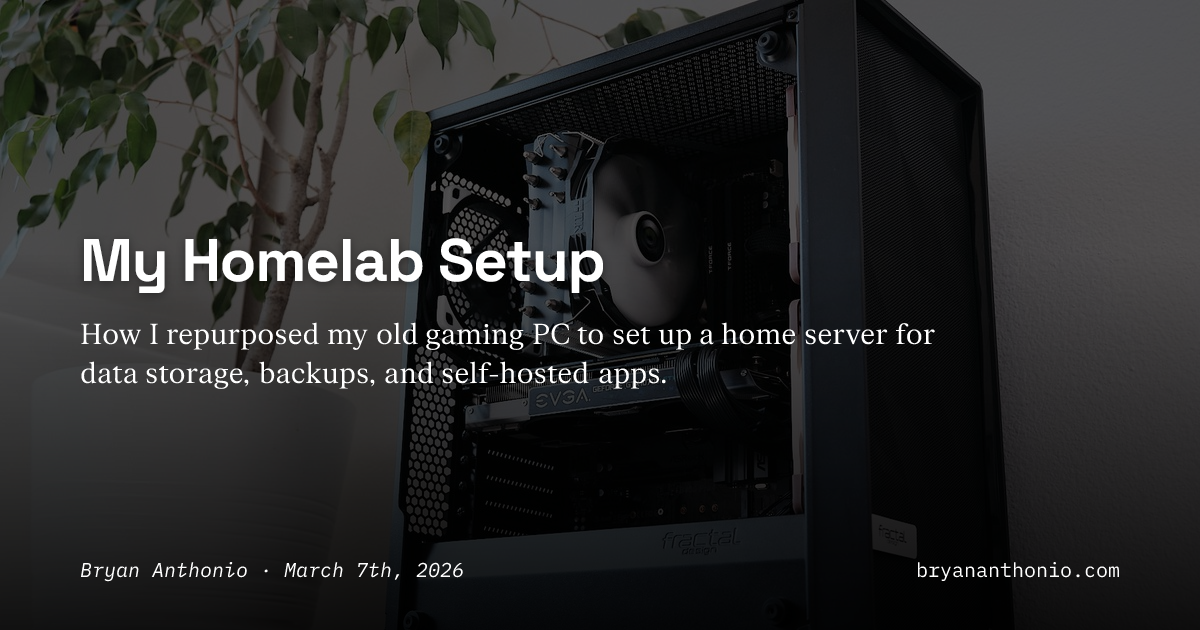
After years of manually copying Fujifilm RAW files across external drives, I finally built a dedicated homelab for storage and backups. Rising hard drive prices driven by AI data center demand pushed me to act, leading me to repurpose my 2018 gaming PC with an AMD Ryzen 5 2600X and two 8 TB Western Digital Red Plus drives.
I installed TrueNAS Community Edition on a 500 GB NVMe drive, creating a RAID 1 array for data mirroring. The setup includes hourly, daily, and weekly snapshots with automatic cleanup to save space. TrueNAS's snapshot feature means files aren't truly deleted until all snapshots containing them are gone, providing robust protection against accidental deletion.
Beyond storage, I'm self-hosting several apps on the same hardware. Scrutiny monitors drive health through S.M.A.R.T. data, while Backrest handles daily backups to Backblaze B2. I'm running Immich for photo management, Mealie for recipe storage, and Ollama for local AI model hosting on my 8 GB GTX 1070 Ti. Remote access comes through Tailscale, letting me securely connect without exposing my homelab to the public internet.
Source: Hacker News · Summarized by HeadlinesBriefing