
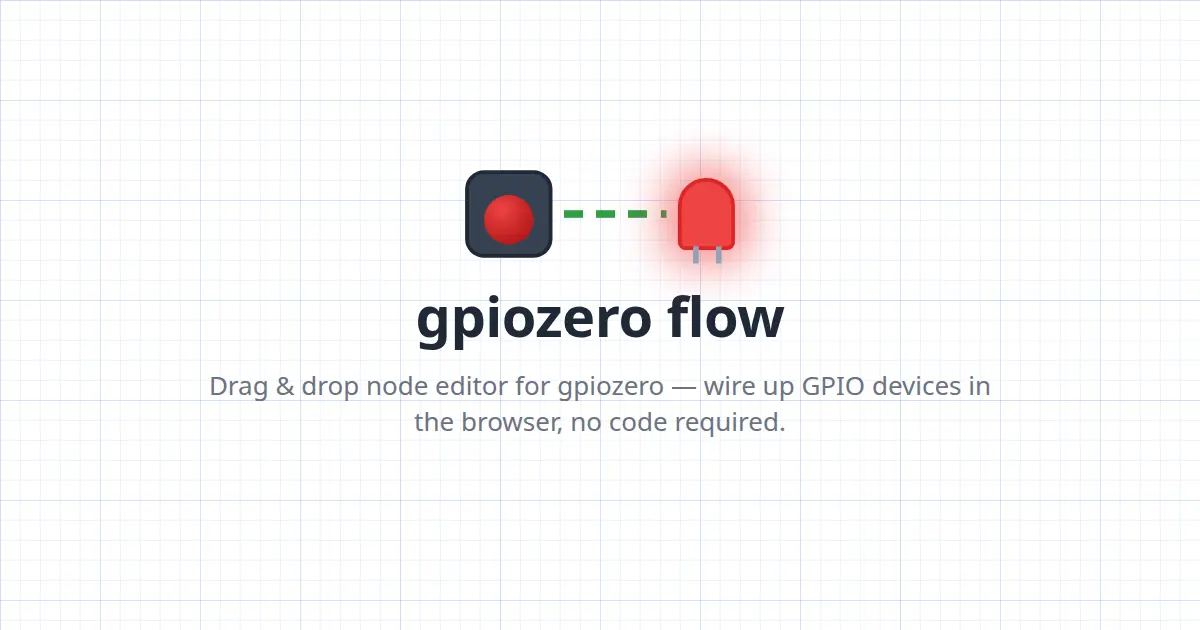
Back in 2015, I had the idea for gpiozero — a Python library for Raspberry Pi, making programming GPIO devices simpler by abstraction: instead of thinking about pin channels, voltages, pull‑up resistors and rising or falling edges, we think about buttons being pressed and released, sensors detecting light or motion, and motors driving forwards and backwards. gpiozero let you write code in these terms.
We developed a device‑focused API, and patterns emerged. We ended up supporting three types of programming: Procedural, Event‑based, and Declarative. These snippets achieve the same thing in different ways. One repeatedly asks the button if it is pressed; one tells the button to control the LED; and one tells the LED to follow the button's state. It’s hard to say which is easier to read, write or understand.
We provide functions for manipulating the stream of values as it passes from one device to another: led.source = negated(button) and even for providing artificial value streams like a sine wave: servo.source = sin_values(). The way all this works is by gpiozero assigning standard value ranges to devices. Some are simple booleans, like the button and LED. Others go from -1 to 1, like a motor, where the 0 to 1 part is speed forwards, and the 0 to -1 part is speed backwards.
I turned this concept into a web‑based UI where you can drag and drop GPIO devices from a side panel into a freeform canvas and draw lines between them to connect them. The prototype quickly evolved into a full tool with a Python code generator, remote control via websockets, and support for almost every gpiozero device. It’s now hosted at flow.bennuttall.com and can be deployed locally with a single pip install of gpiozero‑flow. The project is experimental, but it’s a simple graphical programming tool that could serve as a computational‑thinking aid.
Source: Hacker News · Summarized by HeadlinesBriefing