
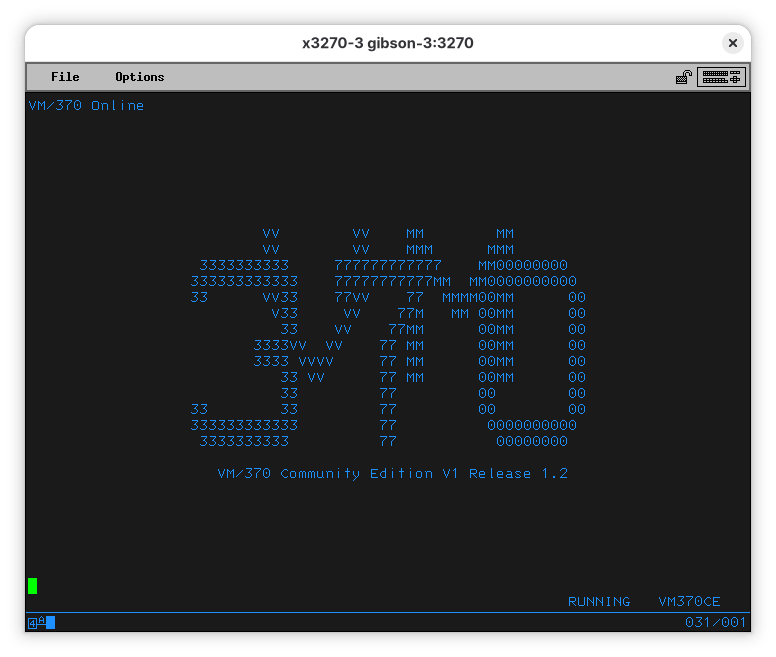
What can I do with a VM/370 CE mainframe? This page assumes you have a machine (emulated or not) running the VM370 Community Edition OS available. There are a couple ways to get one, and you might want to choose the one that appeals to you the most (or the one that's less work). The Community Edition is a huge set of improvements and fixes applied on top of the last VM/370 released by IBM without a license restricting its use.
It has many features that didn't exist in R6 and a couple things that would have been called science fiction back then. It's quite capable, even if the machines it can run on are limited to a single CPU and 16M of memory (IBM calls it 'storage'). Running with Docker is the easiest way; you can also use Podman as it has some nice features and can pretend it's Docker.
When set up, you can issue a shell command to have your own machine. The container image is based on the excellent work of the VM/370 Community Edition team. If you work in an organization with an actual IBM mainframe, you can check if your operations team will allow you to have a small VM running nested VM/370 Community Edition.
IBM mainframes have legendary backwards compatibility. The machine uses screen-oriented terminals, like x3270 emulator available on any modern Unix-like environment. Logging on, the default password is 'CMSUSER'.
You can then have fun exploring the system capabilities and running legacy software.
Source: Hacker News · Summarized by HeadlinesBriefing