
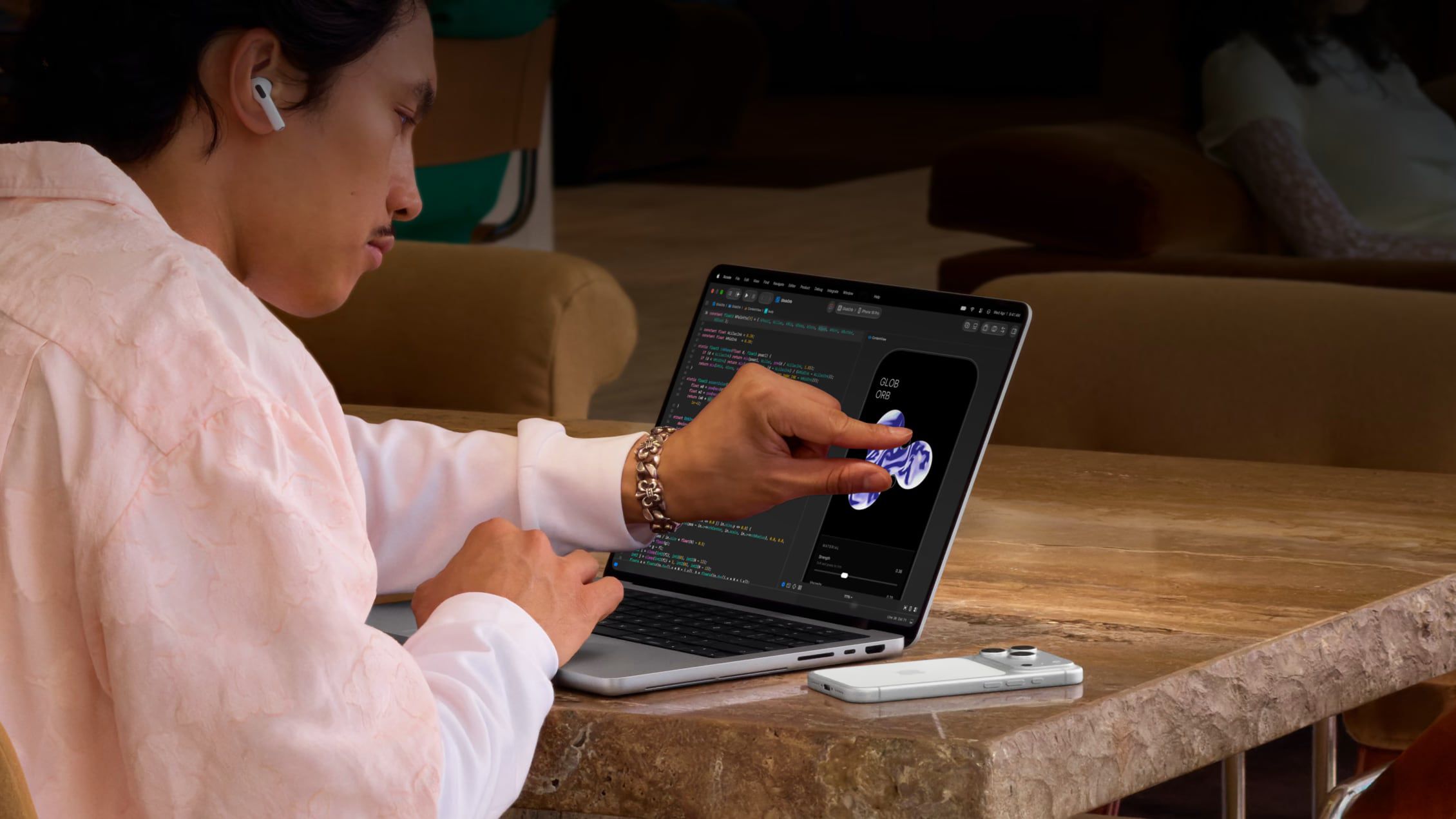
Apple has introduced its first touchscreen Mac with the new MacBook Pro featuring PROLED XDR, marking a significant shift from its long-held stance against touch surfaces on Macs. While younger users accustomed to smartphones and tablets may embrace this change, Apple still positions the Mac as optimized for indirect input. Users who prefer traditional interaction can easily disable touch functionality entirely or customize specific gestures to prevent accidental triggers. This setting also applies when using Sidecar to mirror an iPad as a secondary display, ensuring a consistent experience across devices.
To disable touch, navigate to System Settings, select Accessibility, then Touch, and toggle on Ignore Touch Gestures. For partial control, use the Touch Display menu to adjust individual gestures like swiping between spaces or Mission Control. Additional accessibility features like Touch Accommodations and AssistiveTouch offer further customization. Developers benefit from touch support in Xcode's iOS Simulator, allowing direct testing of app interactions on the screen itself.
Source: MacRumors · Summarized by HeadlinesBriefing