
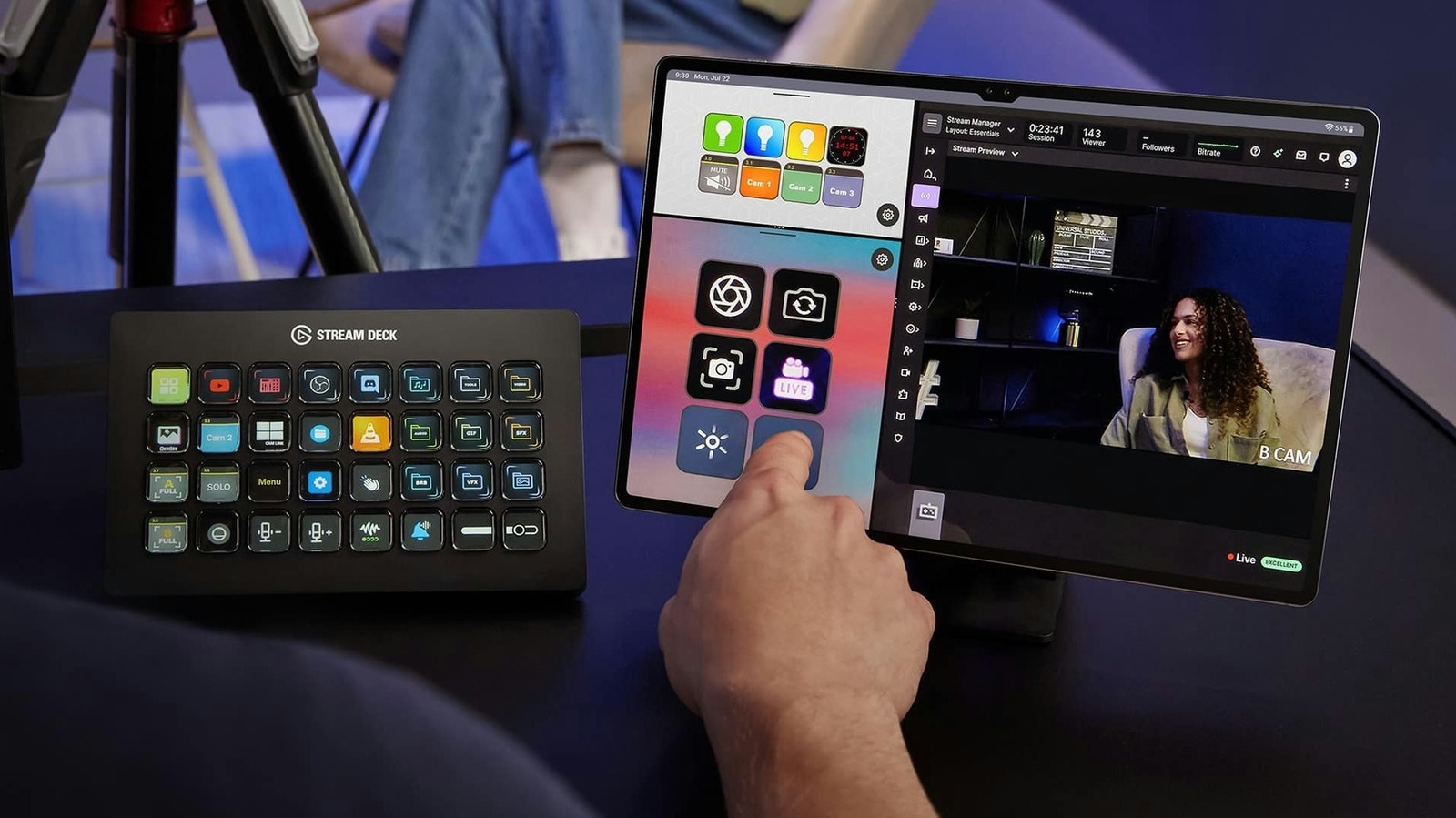
Repurpose your old iPad or Android tablet into a virtual Stream Deck controller for streaming on Twitch or YouTube. As tablets age and get left in drawers, the Stream Deck mobile app breathes new life into them. The app works with tablets running iPad OS 15 or newer and Android 9 or newer, making it compatible with most tablets launched in recent years.
Elgato, the company behind the popular physical Stream Deck controller, now offers this mobile app, eliminating the need to buy dedicated hardware. Setting up the device is straightforward: download the official app on your computer (Windows 10 or macOS 10.15+) and the app on your tablet from the App Store or Google Play. Pair the devices by scanning a QR code displayed on the computer screen.
Both devices must be on the same local network; the app will not work if the tablet is using cellular data. If connection fails, check computer firewall or antivirus settings. On Windows, switch the network profile from Public to Private. iPad users can pair via USB for a more stable, lower-latency connection.
Once paired, customize the tablet interface by dragging actions onto empty keys. The app supports essential streaming plugins for OBS Studio, Twitch, YouTube, and Spotify, plus smart light controls for Philips Hue, Nanoleaf, and Govee. The free version offers up to six buttons, sufficient for basic actions like starting a livestream or muting a mic.
Stream Deck Mobile Pro increases the limit to 64 buttons and unlocks custom grid options and backgrounds. iPad users can use Split View to run two keypads side-by-side. Subscriptions are $2.99 per month or $24.99 yearly, or a lifetime license for $49.99. For best results, use an inexpensive tablet stand and keep the tablet plugged in during streams.
Source: Engadget · Summarized by HeadlinesBriefing