
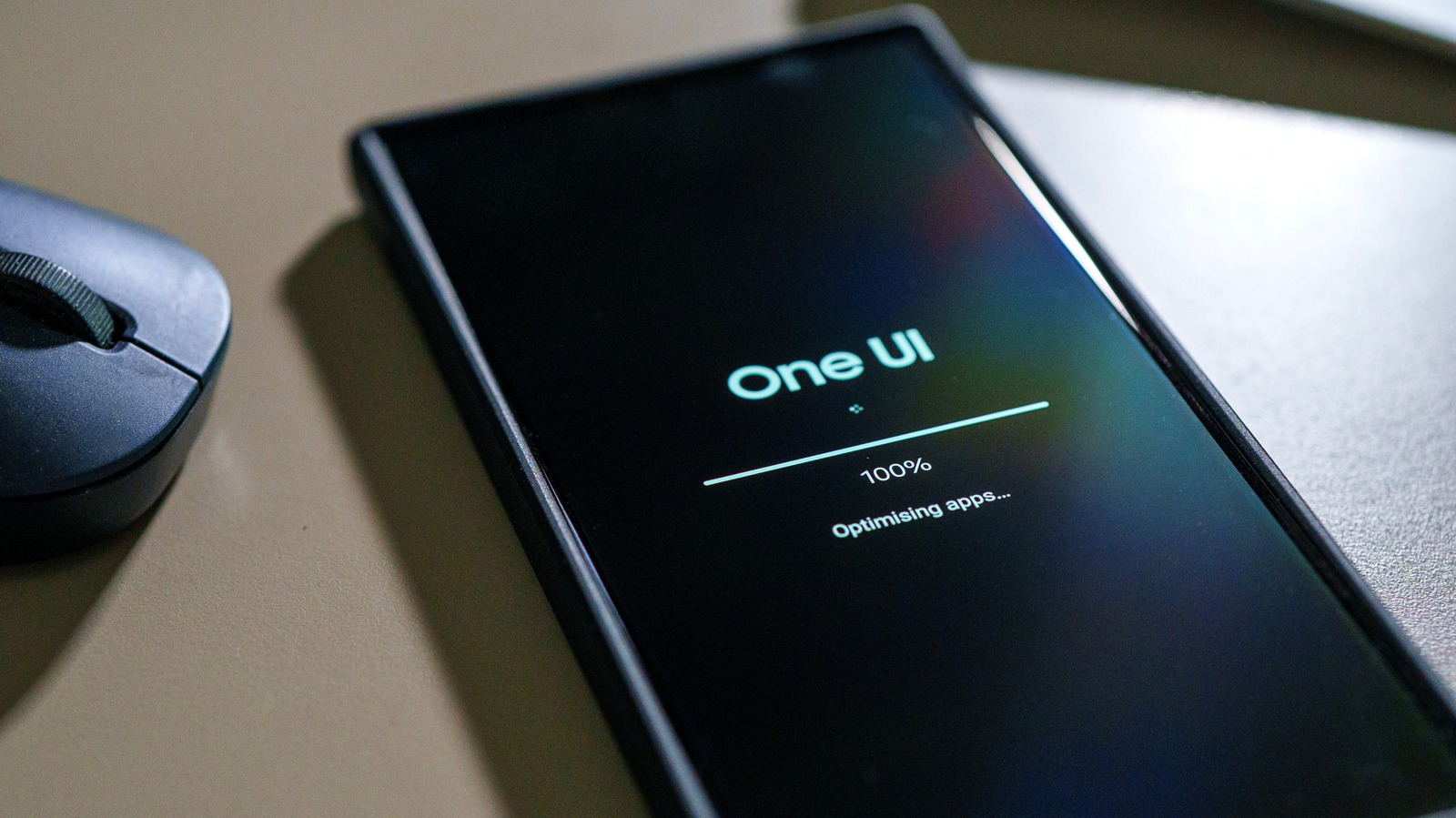
Samsung's One UI includes a hidden gem: a toggle that strips status and navigation bars from screenshots. Called "Hide status and navigation bars," it lives in Settings > Advanced features > Screenshots and screen recorder. Once enabled, every screenshot — whether via volume down + power or palm swipe — captures only the app content, no clock, battery, or signal icons.
The setting crops those elements out without resizing the image, so aspect ratios shift slightly. Gabriela Vatu of Engadget notes it takes seconds to activate and requires no extra apps. Benefits include cleaner, more professional images for tutorials, presentations, or casual sharing — no one sees your 2 AM battery level or button layout.
For power users, the side key can be mapped to Samsung Capture via double‑press. It's a minor tweak with major polish, and since it's reversible, there's no downside to turning it on.
Source: Engadget · Summarized by HeadlinesBriefing