
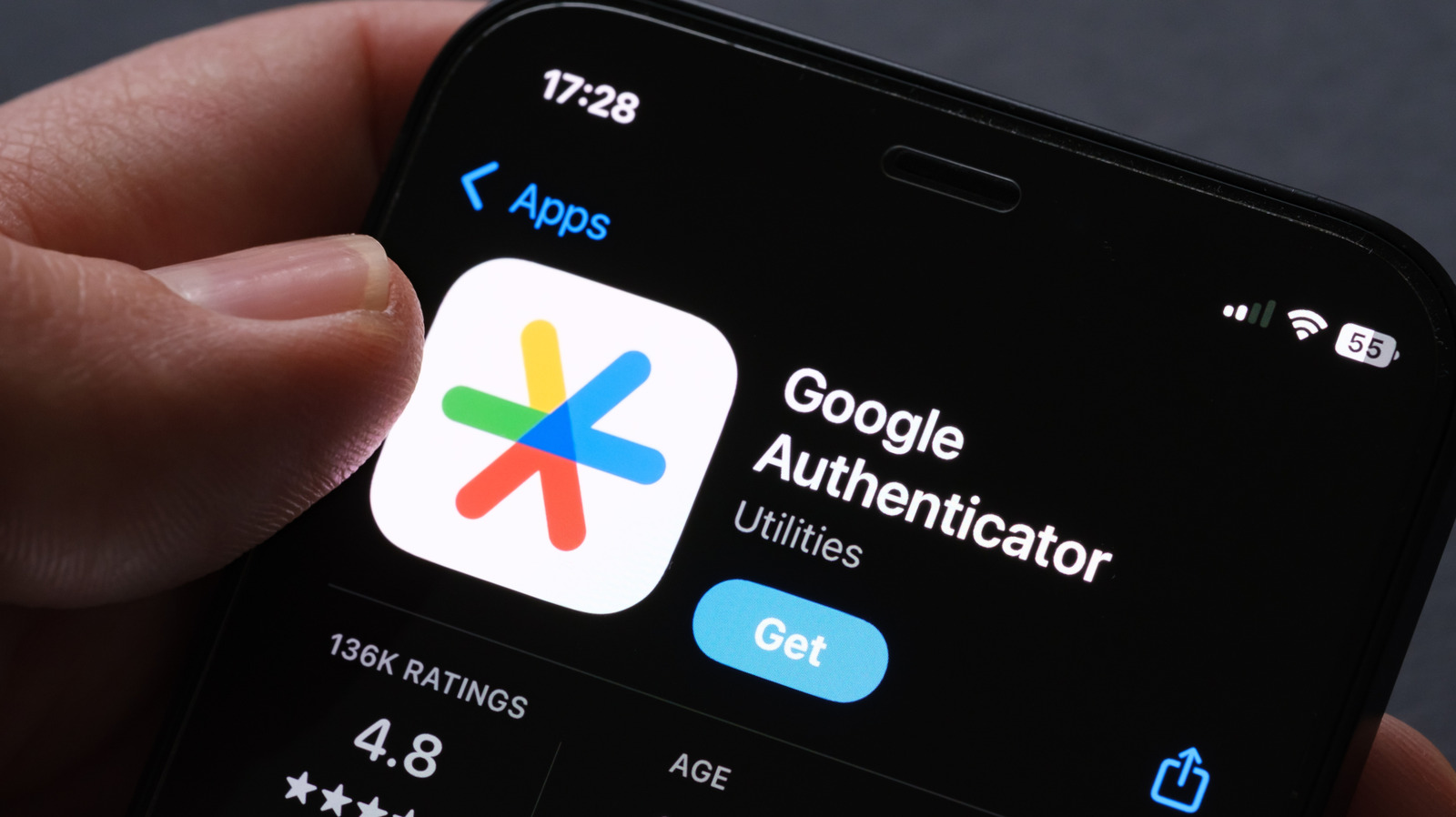
Google Authenticator now syncs codes to the cloud, making device migration easier. If you're on version 6.0+ (Android) or 4.0+ (iOS) and logged into a Google account, your codes automatically back up. Check for the cloud icon in the app to confirm.
On your new phone, install the app, sign in with the same Google account, and your codes will transfer automatically. This protects you if your old device is lost. For privacy, you can avoid cloud sync by manually transferring codes via QR code: export from the old device and import on the new one.
Without your old phone, recovery is harder. Use backup codes or contact providers to disable 2FA. Always prepare ahead by enabling cloud sync or saving backup codes in your Google account under Security & Sign-in > 2-Step Verification.
Source: Engadget · Summarized by HeadlinesBriefing