
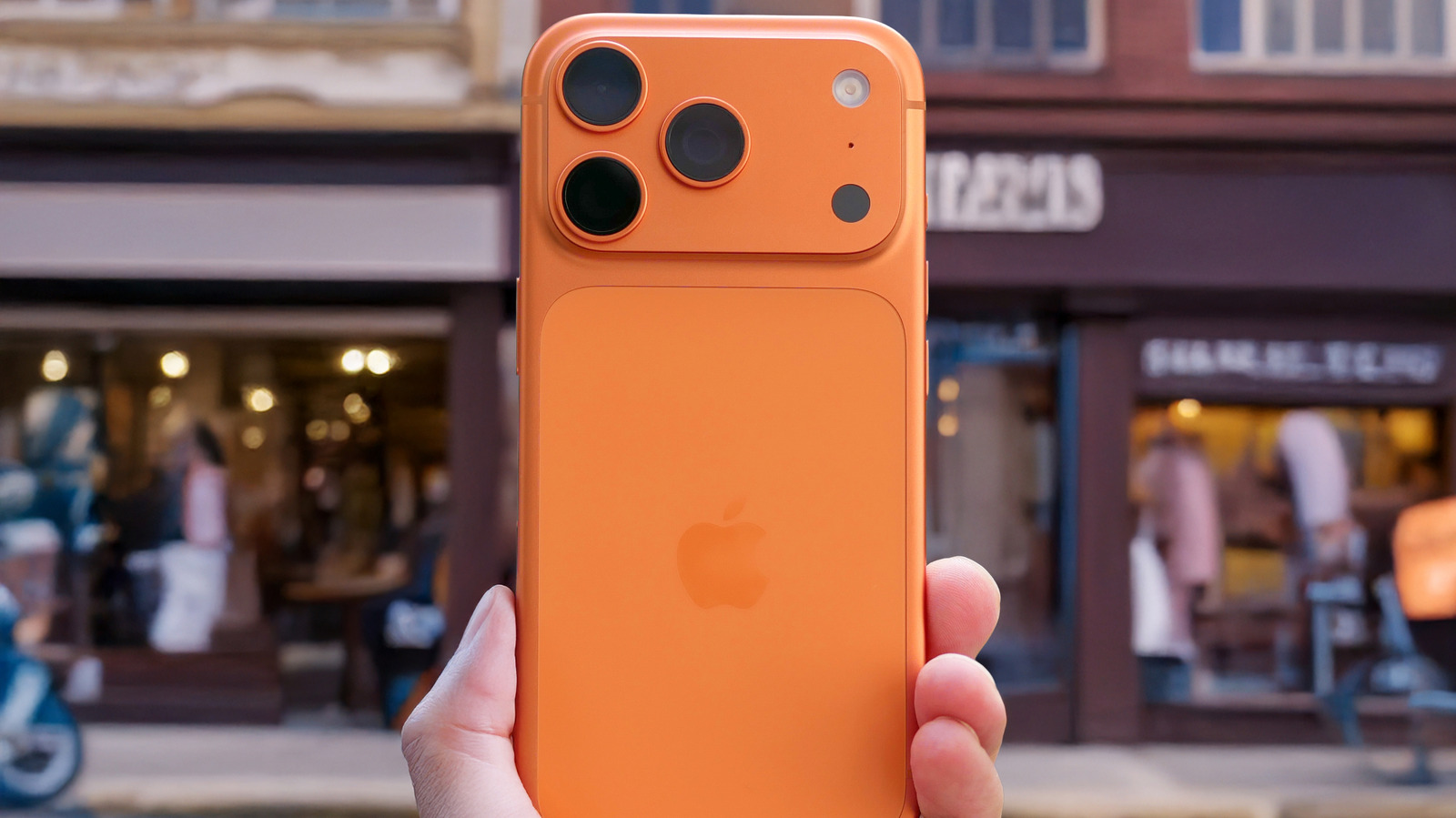
Apple's Charge Limit feature on iPhone 15 and later models lets users cap charging at 80%, 85%, 90%, or 95% instead of 100% to reduce battery wear. Constantly keeping a phone at full charge while plugged in generates heat stress that accelerates lithium-ion degradation. Research from the Karlsruhe Institute of Technology showed cells held at 100% charge and 60°C failed within six weeks, while those at or below 80% lasted far longer. Apple warns ambient heat above 35°C (95°F) can permanently cut capacity.
To enable it, go to Settings > Battery > Charging and drag the slider. The phone charges to within a few points of the limit, then pauses until the level drops 5% while still plugged in. iOS occasionally tops up to 100% for calibration. A temporary override — "Allow Until Tomorrow" — forces a full charge for days away from power.
Older iPhones lack Charge Limit and rely on Optimized Battery Charging, which learns your routine over 14 days and holds at 80% overnight before finishing near wake-up. It doesn't work well for irregular schedules. You can't run both features simultaneously; Optimized only activates when the limit is set to 100%. Tech journalist Juli Clover reports her iPhone 15 Pro Max retained 94% capacity after one year and 88% after three years using an 80% limit.
Source: Engadget · Summarized by HeadlinesBriefing