
Modern desktop PCs and laptops don’t usually ship with top‑tier sound. HP has teamed with Bang & Olufsen, Samsung owns brands like Harman Kardon, and the Apple MacBook offers surprisingly good speakers for its size.
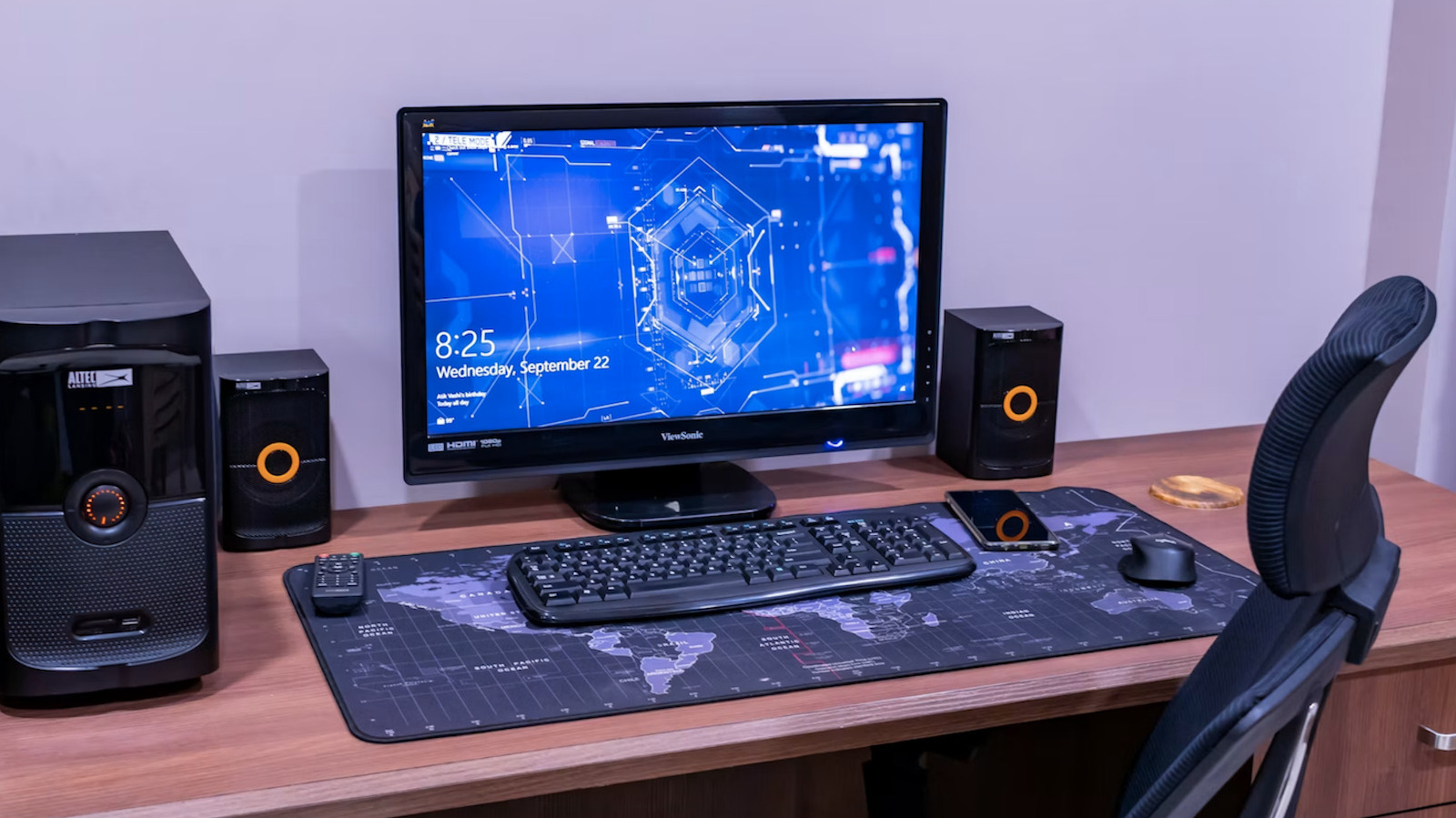
External speakers remain the most reliable upgrade. Choose models with/Input digital audio converters (DACs) or wireless options; Wi‑Fi speakers deliver more bandwidth than Bluetooth. Adding a subwoofer can boost bass without taking up extra desk space.
Headphones are perfect for limited space. Wired pairs paired with a portable DAC or a headphone amp can deliver hi‑res audio. Modern wireless headphones often include built‑in DACs and amps, eliminating extra gear.
Connecting the PC to a home audio system is simple—plug a 3.5 mm‑to‑RCA cable into the headphone jack and the receiver’s aux input. A standalone DAC with an RCA port can improve quality further.
EQ and loudness apps let you tweak bass, treble, and volume limits, but use them sparingly to avoid distortion. Dedicated AI tools can clean up old recordings but are less useful for streaming hi‑res files.
For peak performance, keep your OS lean, play hi‑res formats like FLAC or WAV, minimize vibrations with acoustic treatment, and use wired Ethernet for steady streaming.
Source: Engadget · Summarized by HeadlinesBriefing