
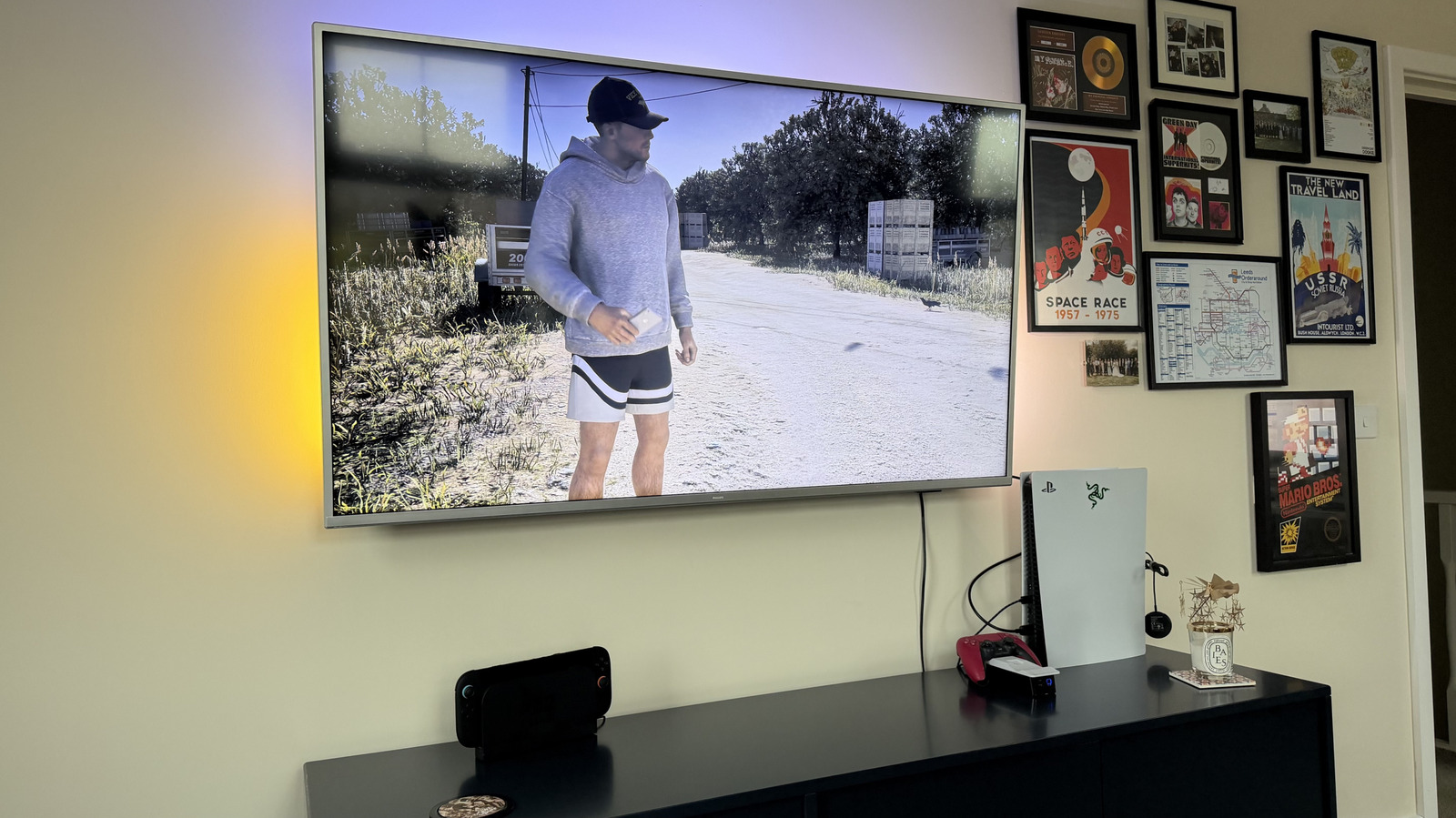
Within days of GTA 6's November 19 debut, Xbox owners discovered a method to break its 30 fps cap by toggling 60Hz and 120Hz output, then using Quick Resume. Digital Foundry testing revealed the uncapped Series X averaged about 36 fps, though animations moved noticeably faster. The processor fundamentally limits GTA 6 to 30 fps on current-gen consoles, including PS5 Pro, meaning hardware optimization is key.
A system that's out of date, stuck in a stale session, choked with dust, or reading the game off the wrong drive can fall short. Players should first know their target frame rate: original PS5 generally stays near 30 fps, with drops to 23 fps during heavy explosions, while PS5 Pro maintains 30 fps but dips to around 24 fps during extreme chaos. Series S struggles, hovering between 25 and 30 fps and dropping to as low as 20 in busy areas.
Since consoles lack built-in counters, monitor for stuttering during firefights and police chases. Next, ensure the game is up to date; Rockstar released a post-launch update on November 23 fixing crashes and bugs, though frame rate patches have not yet materialized. Given the base game's 212GB size, storage management is critical.
Sony warns installing data can require roughly twice the free space of the install size. Regularly cleaning dust and verifying storage connections can help consoles maximize their available hardware for the best possible GTA 6 experience.
Source: Engadget · Summarized by HeadlinesBriefing