
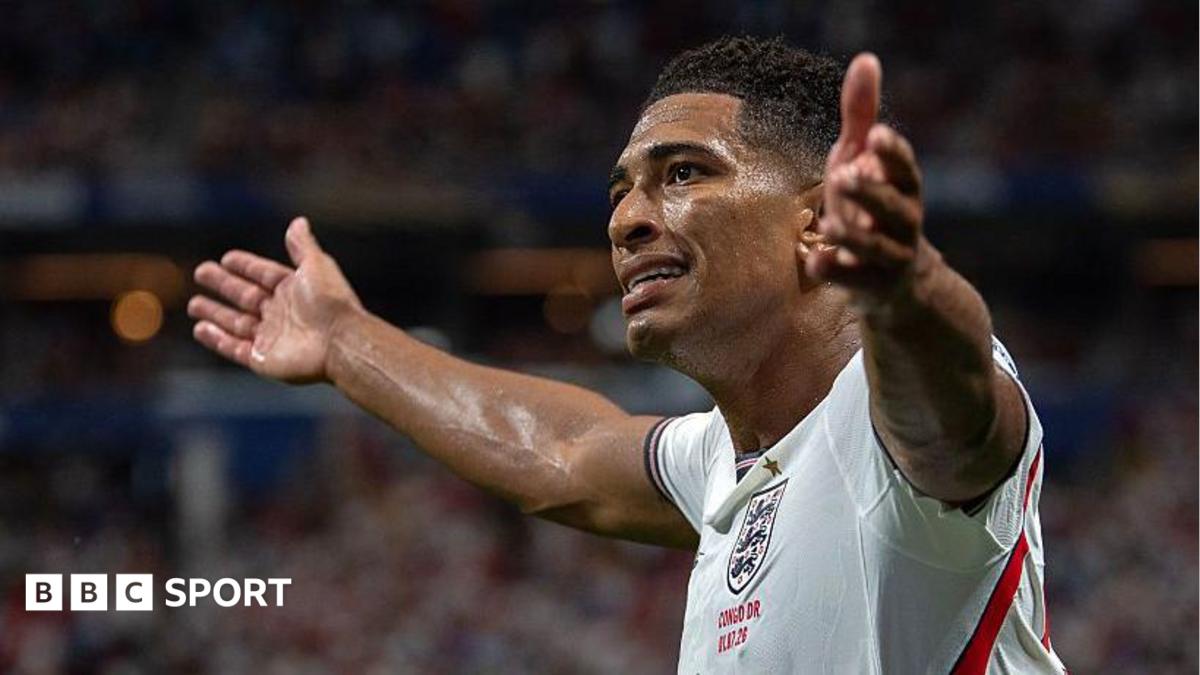
As the World Cup approaches, fans face a choice: stay up for live action or catch up later. For those wanting to follow every moment of England's matches, the BBC Sport app offers push notifications. However, users planning to avoid spoilers need to adjust their settings to prevent match updates from appearing on their lock screens before they've had a chance to watch.
Navigating the BBC Sport app's notification menu allows for customized alerts. Users can opt for 'Top Stories' and 'Football News' for general updates without revealing scores. For real-time goal alerts and match progress, specific FIFA World Cup notifications can be enabled, ensuring fans receive timely information tailored to their viewing preferences.
To avoid spoilers, users should check their current 'England Men' notification settings within the app. Simply toggling off unwanted alerts, particularly score updates, will prevent premature reveals. For ultimate control, a 'Mute all notifications' option exists, though users must remember to re-enable them post-match to stay informed about future games.
This guide empowers fans to curate their World Cup viewing experience. By managing their notification preferences, users can ensure they are either fully immersed in the live action or enjoy a spoiler-free catch-up.
Source: BBC Sport Football · Summarized by HeadlinesBriefing