
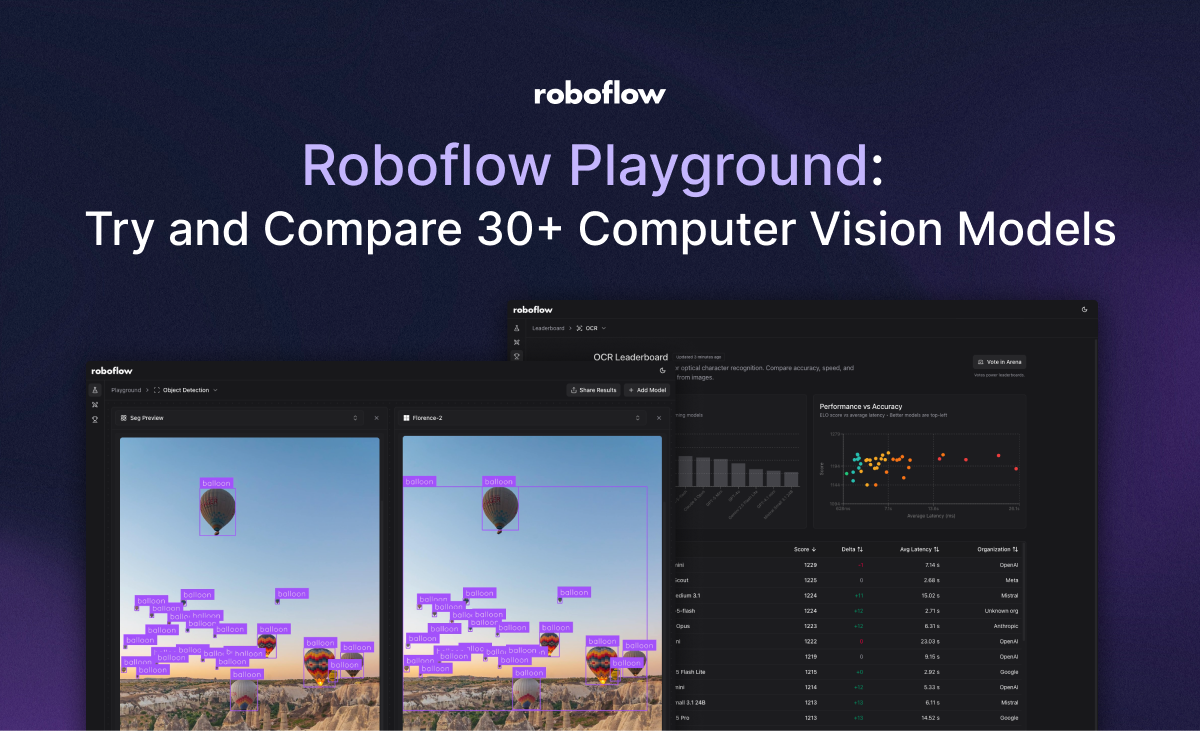
Roboflow Playground lets you run the same image and prompt across up to five zero-shot computer vision models side by side, covering more than 30 models from Anthropic, Open AI, Meta, Google, and open-source providers like Florence-2. Supported tasks include object detection, image classification, OCR, captioning, and open-prompt visual question answering.
It removes the setup cost of provisioning APIs or infrastructure individually, so you can compare model outputs directly before committing to one for your project. Comparing zero-shot computer vision models can be daunting. Researching the latest models to try, writing the code to call cloud APIs, provisioning infrastructure for open weight models – all of this takes time.
To get started, go to the Roboflow Playground website. You will then be able to choose what vision task you want to run. As of today, Playground supports: Object detection, Captioning, Classification, OCR, Open prompt. You can then choose up to five models to compare. Once you have chosen a task and a model, you can upload an image and set prompts.
With Roboflow Playground, you can try various computer vision models and compare them side-by-side. Today, we are launching with support for 30+ models, including the latest models by Anthropic, Open AI, Google, Mistral, and other providers, as well as open-weights models like the latest in the Llama series.
Source: Hacker News · Summarized by HeadlinesBriefing